Connection, installation / mounting
Product manual 2CKA001473B8291
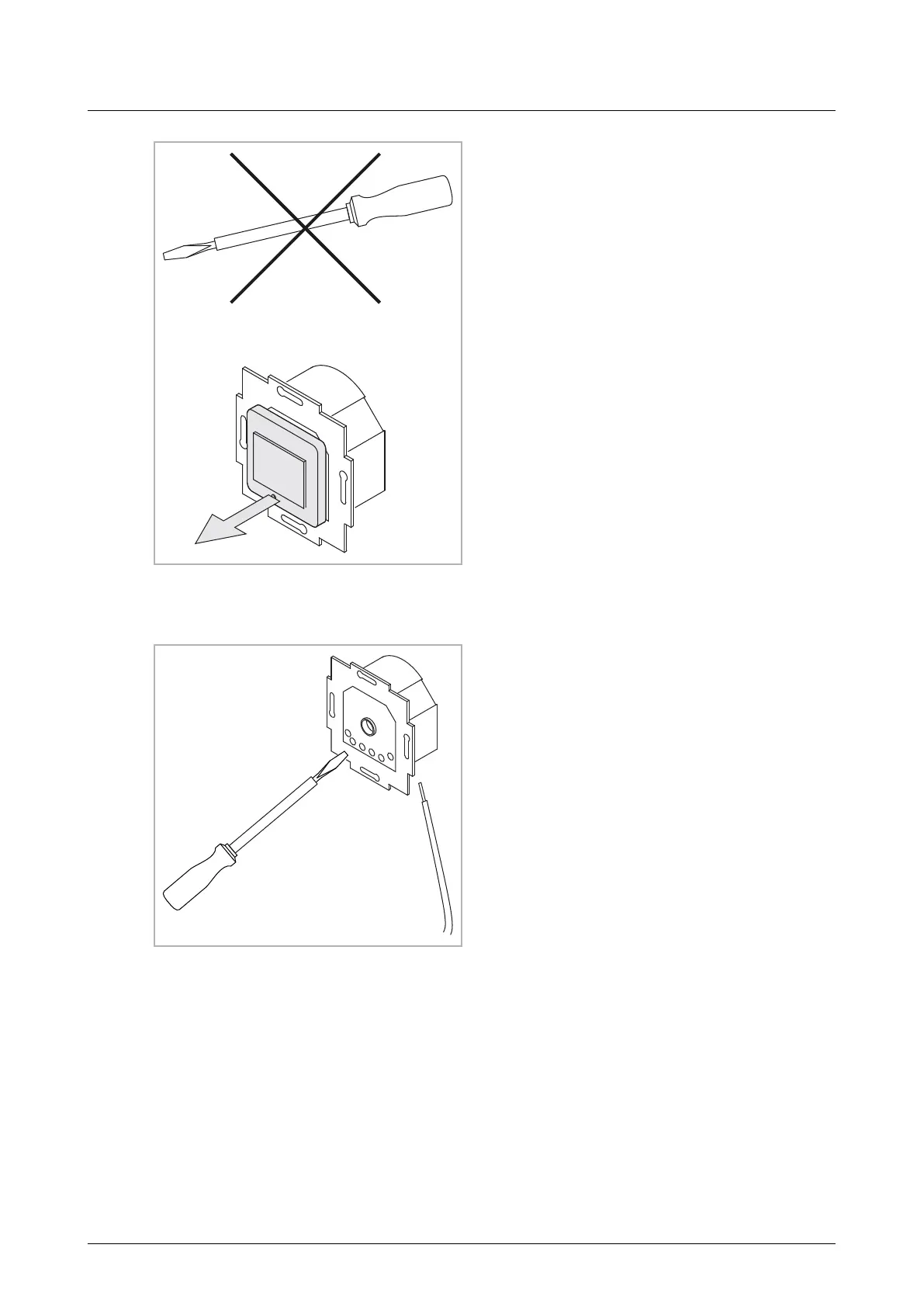
– If the device is in its as-delivered
state, pull the attachment off the
flush-mounted insert with your hands.
– Pull the attachment off only with your
hands. Do not lever parts off with
screwdrivers or similar hard objects.
This will damage the device.
– When pulling off, first the resistance
of the plastic clamps must be
overcome.
Fig. 2: Device in as-delivered state: pulling off the
attachment
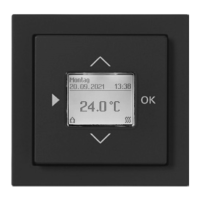
1. Connect the cables to the flush-
mounted insert.
– For the connection assignment,
see chapter see chapter 6.3
“Electrical connection“ on page
15.
Fig. 3: Connecting the cables



 To Next Page