Product manual 2CKA001473B8291
8.4.3 RESET (Resetting the device)
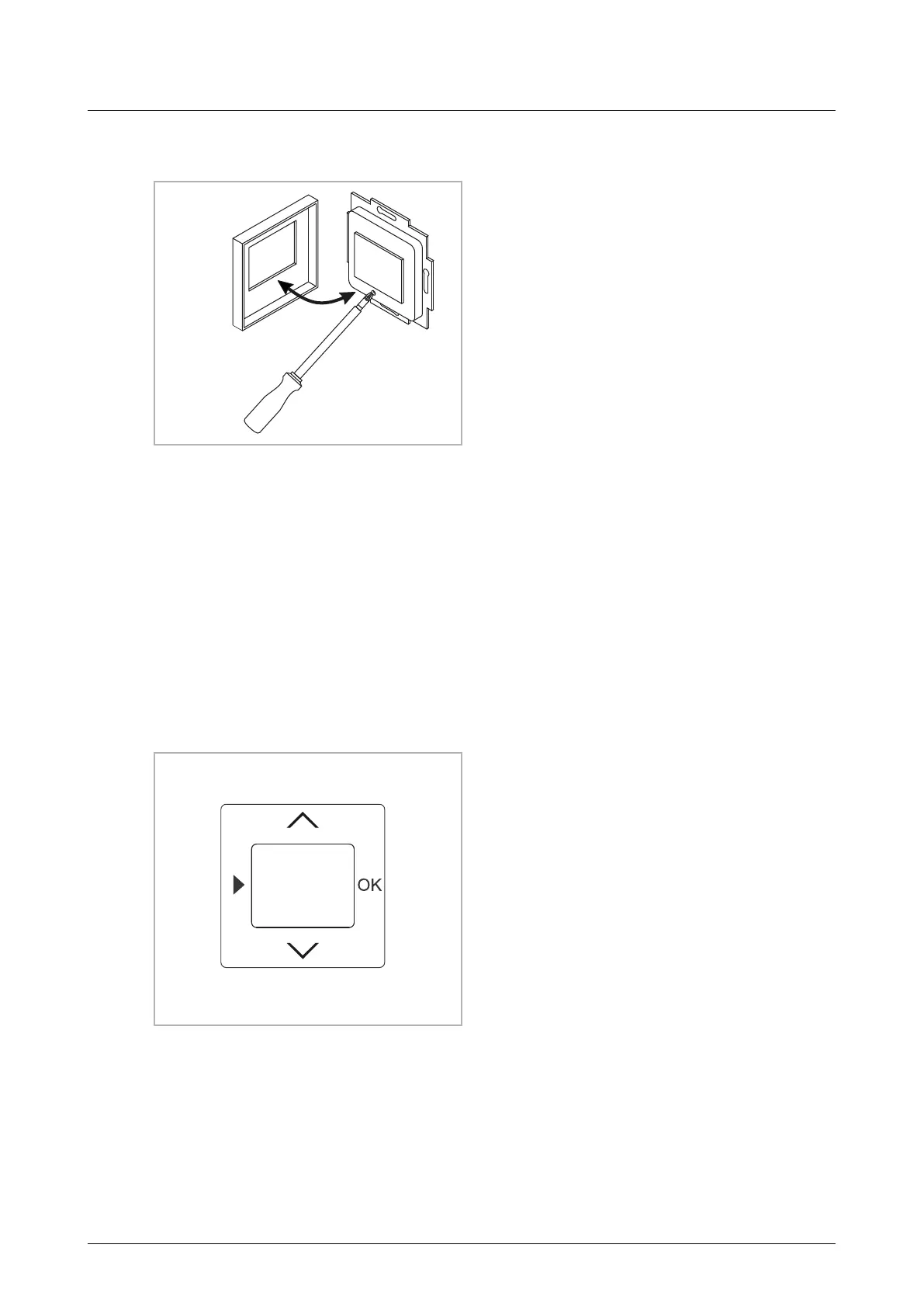
1. Remove the cover and press the
reset button.
2. Replace the cover.
3. Then, again set the language, the
date and the time, see see chapter
8.4 “Device settings“ on page 21.
Fig. 9: Reset
8.4.4 RESET (resetting to the factory settings)
■
Comfort mode
–
Mon – Fri: 07:00 h
–
Sat – Sun: 08:00 h
23°C
23°C
■
Standby mode
–
Mon – Sun: 09:00 h
–
(Can be selected if required, special functions menu)
19°C
■
Night mode
–
Mon – Sun: 22:00 h
16°C
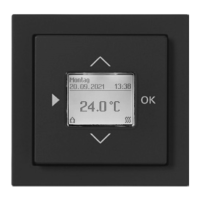
1. Press all 4 buttons simultaneously, or
the entire operating surface for more
than 5 seconds. For this the device
must be in operating mode. The text
"Factory settings" will appear in the
display.
2. Confirm the enquiry with the OK
button. The device will be reset to the
default settings.
Fig. 10: Factory settings



 To Next Page