Product manual 2CKA001473B8291
8.4.2 Language
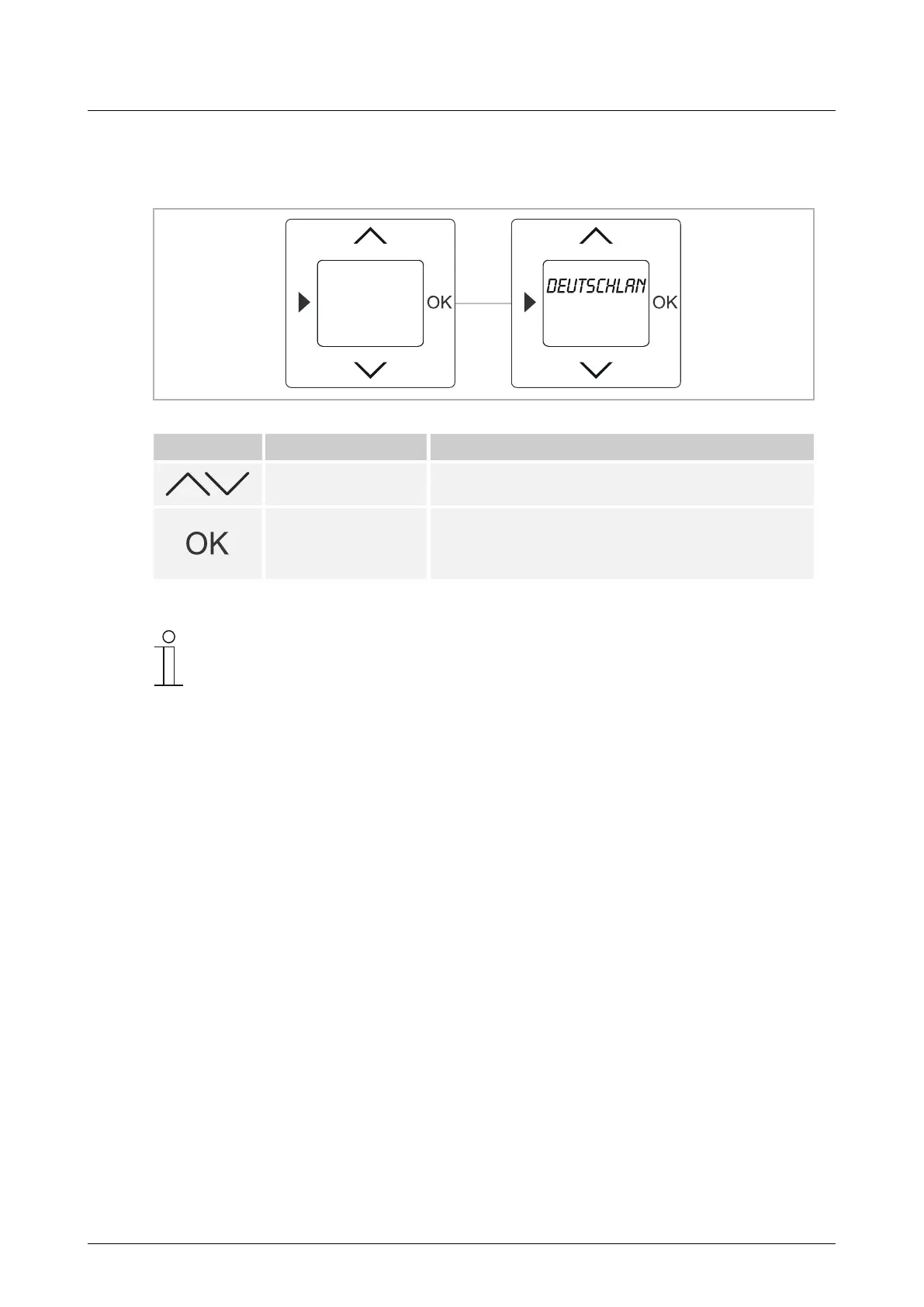
The language is set via the selection of the country.
Fig. 8: Country / language selection
Button Display Entry / Comments
Germany
Select language
– Select the country via the arrow buttons.
– Confirm your selection with the OK button. You
simultaneously switch to the next menu item. This is
followed by setting the year, month, day, hour and
minute. See Chapter 8.6.6 “Date / Time“ on page 35.
Notice
To change the language at a later point in time, see Chapter 8.4.4 “RESET
(resetting to the factory settings)“ on page 25.



 To Next Page