Product manual 2CKA001473B8291
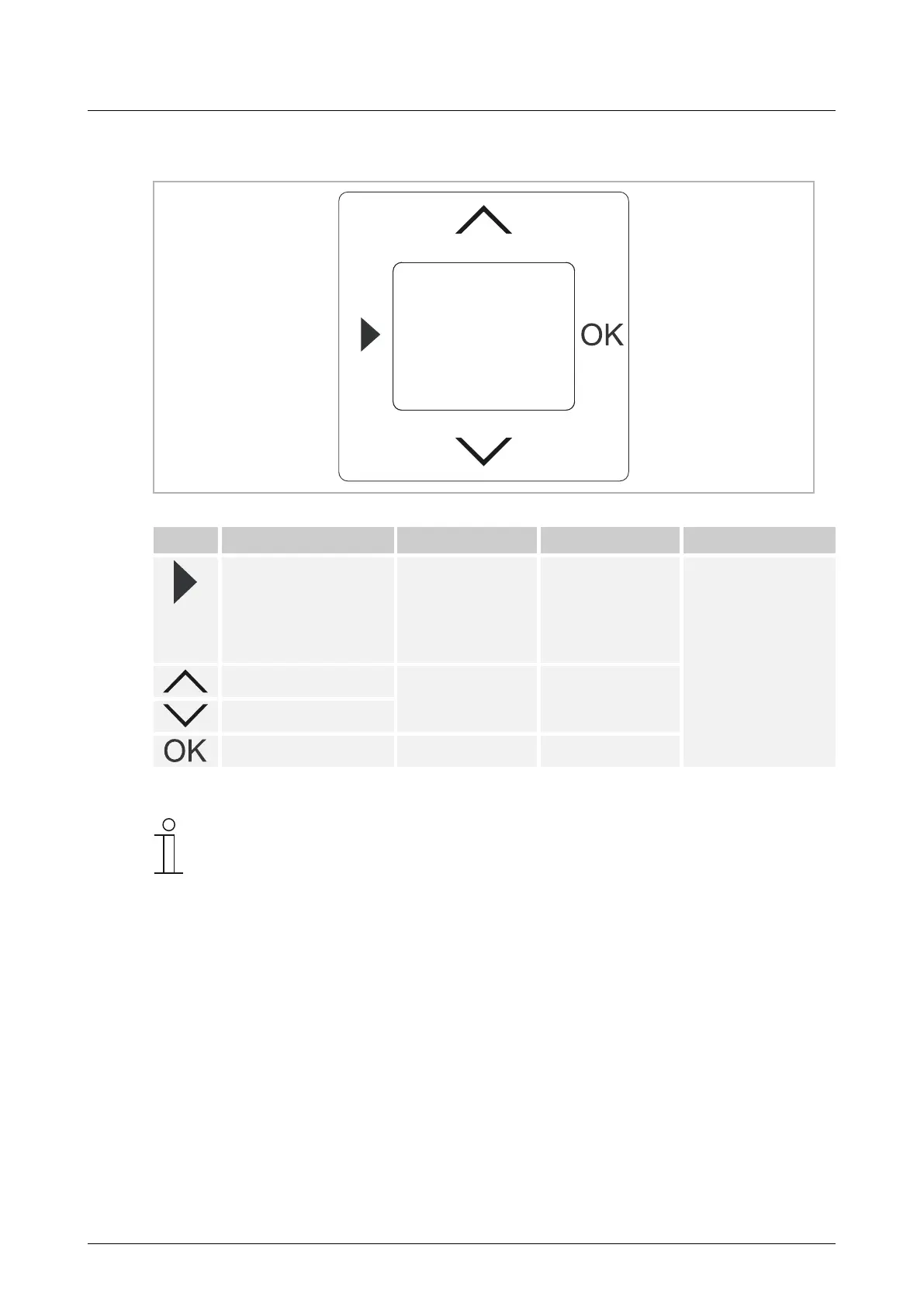
8.3.2 Button assignment
Fig. 7: Button assignment of the cover pate
Button Function In setting mode Adjusting values RESET
Calling up menu level
and switching to setting
mode.
– Keep the button
pressed for 2
seconds.
Return to operating
mode
Press all buttons of
the rocker switch
simultaneously for
approx. 5 seconds.
The temperature
controller will be
reset to the factory
settings.
Raise temperature
Select menu items Adjust values
Lower temperature
Confirmation Select menu Accept value
Notice
The set temperature will be adjusted regardless of the time programs. If
necessary, the value can be manually adjusted with the UP button (˄) or DOWN
button (˅). This does not affect the values that are set in the time programs.



 To Next Page