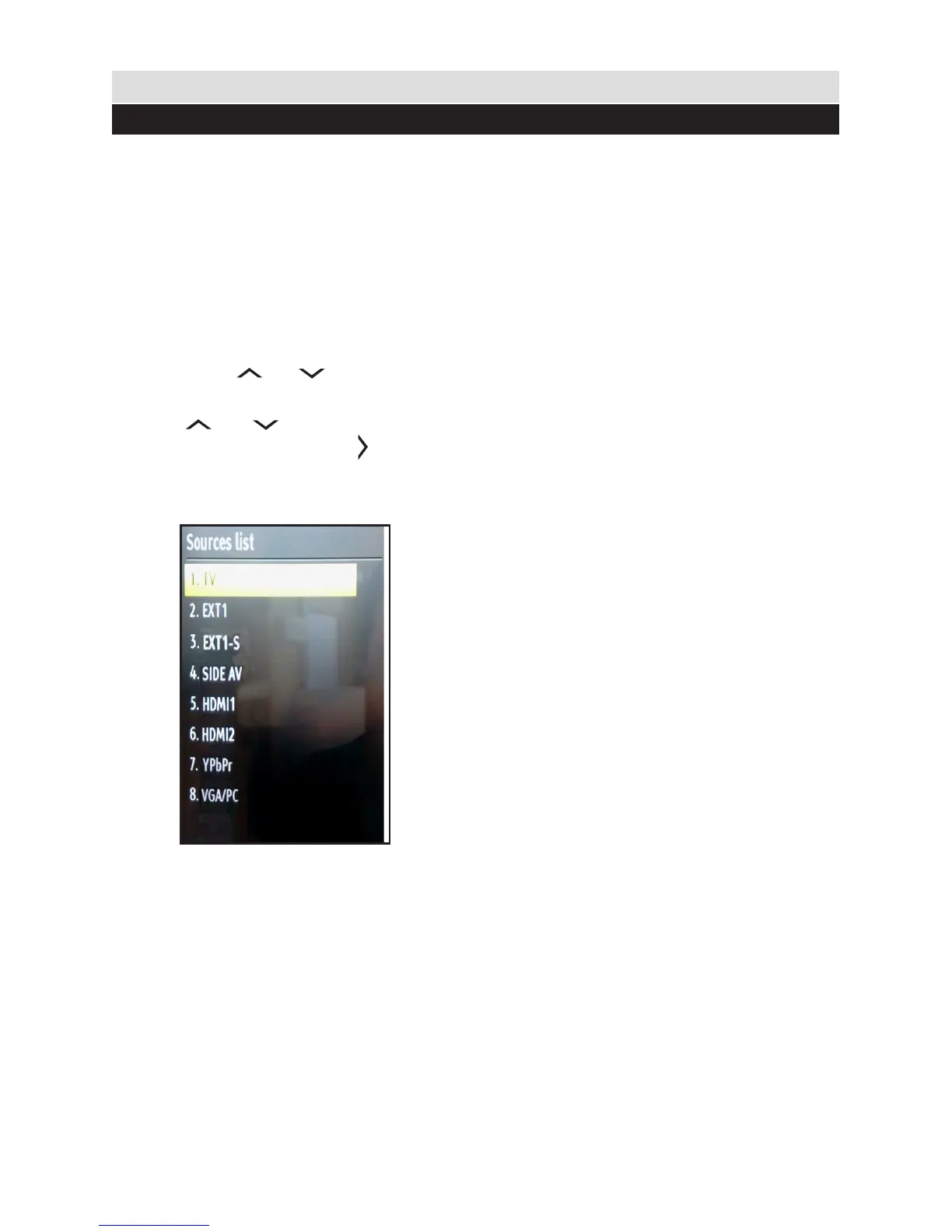
Once you have connected external devices to the TV,
you can select and change the input source required.
To change Input Selection, use one of the
following options:
Option a: Press the SOURCE button on
the remote control to directly select required
source.
Option b: Select “SOURCES” from the “Settings”
menu using the “ ” or “ ” button.
Use the “ ” or “ ” button to highlight the
required input and press the “ ” button to
select.
22
Connections
Selecting source



 To Next Page