General TV Operation
Favourite Mode & Timers
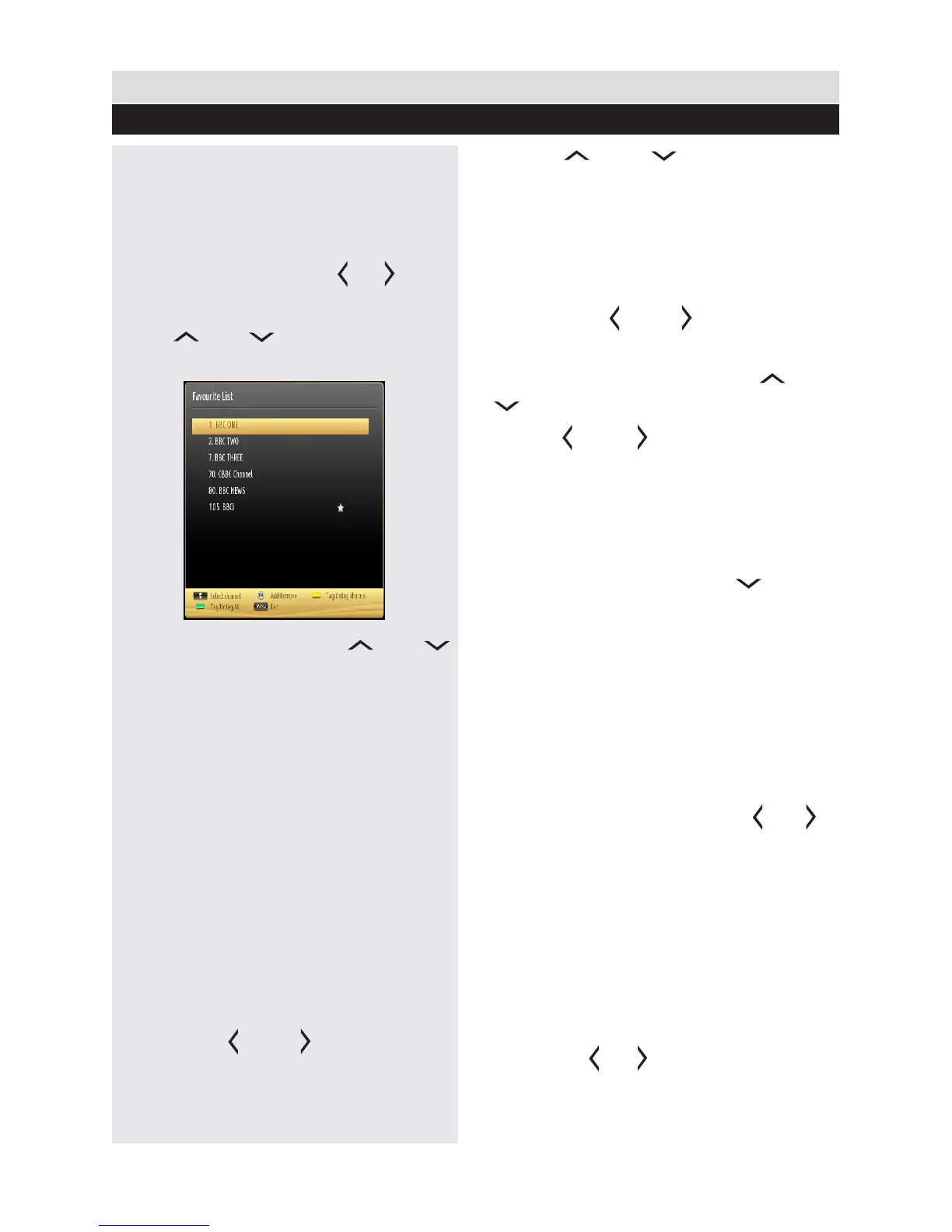
Favourite Mode
You can create a list of favourite programmes
using the favourites feature. In such a case, only
the favourite channels are navigated.
1. Press “MENU” button to view main menu.
2. Select Channel List item by using “ ” or “ ” button.
3. Press “OK” to view menu contents.
4. Use “ ” or “ ” and “OK” buttons to
select “Favourites”.
5. Select a channel by using “ ” or “ ”
button.
6. Press “OK” button to add selected channel
to favourites list. Press “OK” button again to
remove.
Button Functions
OK: Add/remove a station.
YELLOW: Tag/untag a channel.
GREEN: Tag/untag all channels.
MENU: Exit.
Conditional Access
If you have inserted a conditional access
module and viewing card to your TV, you can
use Conditional Access menu. Note that these
menu settings may change depending on the
service provider.
1. Press “MENU” button and select the “Settings”
icon by using “ ” or “ ” button.
2. Press “OK” button to view Settings menu.
3. Use “ ” or “ ” button to highlight
Conditional Access and press “OK” to view
menu items.
Setting Sleep Timer
This setting is used for setting the TV to turn
off after a certain time.
1. Press “MENU” button and select the “Settings”
icon by using “ ” or “ ” button.
2. Press “OK” button to view Timers menu.
3. Highlight Sleep Timer by using “ ” or “
” button.
4. Use “ ” or “ ” button to set. The timer
can be programmed between Off and 2.00 hours
(120 minutes) in steps of 30 minutes.
Setting Programme Timers
You can set programme timers for a particular
programme using this feature.
1. While in Timers menu, press “ ” button to
activate timers functions.
2. Programme timer function buttons will be
displayed on the screen.
3. Press YELLOW button on the remote control
to add a timer. Timer options and denitions are
as the following:
Network Type: This feature is unavailable to be set.
Timer Type: You can select timer type as Record
or Timer.
Channel: Changes channel by using “ ” or “ ”.
Record Type: This item is unavailable to be
set.
Date: Enter a date using the numeric buttons.
Start: Enter a starting time using the numeric
buttons.
End: Enter an ending time using the numeric buttons.
Duration: Displays duration between the starting
and ending time.
Repeat: Sets a timer to be repeated as Once, Daily or
Weekly. Use “ ” or “ ”buttons to select an option.
Change/Delete: Sets the change/delete
permission.
26



 To Next Page