Displaying Subtitles
With digital terrestrial broadcasting (DVB-T),
some programmes are broadcasted with
subtitles.
1. Press MENU button to display main menu,
highlight “Settings” then “Language Settings”
menu using “ ” or “ ” or “ ” or “ ” button,
press OK button to display “Language settings”
menu.
2. Highlight “Subtitle” in “Language settings”
menu using “ ” or “ ” button. Use “ ”
or “ ” button to set Subtitles to the desired
language.
NOTE: You can directly press SUBTITLE button
to enable or disable subtitles. If “Subtitle” is On,
pressing the “ ” button causes a warning message
to be displayed on the screen (** for UK only).
Zoom Modes
Programmes can be watched in different
picture formats, depending on the transmission
received.
You can change the aspect ratio (image size) of
the TV for viewing the picture in different zoom
modes.
Press SCREEN button repeatedly to change the
image size. Available zoom modes are; 16:9,
Subtitle, 14:9, 14:9 Zoom, 4:3, Panoramic and
Cinema.
NOTE: You can shift the screen up or
down by pressing “ ” / “ ” buttons while
picture zoom is selected as panaromic, 14:9
Zoom, Cinema or Subtitle. This is only possible
as long as the display of the screen format is
displayed.
Using Main Menu Screen
1. Press MENU button to display main menu,
highlight the desired control icon using “ ” or “
” or “ ” or “ ” button, press OK button to
display menu contents.
2. Highlight an option inside a menu screen by
using “ ” or “ ” button.
3. Use “ ” or “ ” button to set an option.
4. If “OK” box is displayed next to a menu setting,
press “OK” to display sub-menu screen.
Changes are automatically stored. Press
“MENU” to exit.
NOTE: See Picture, Sound, Settings and
Installation Control sections for learning the
functions of menu items.
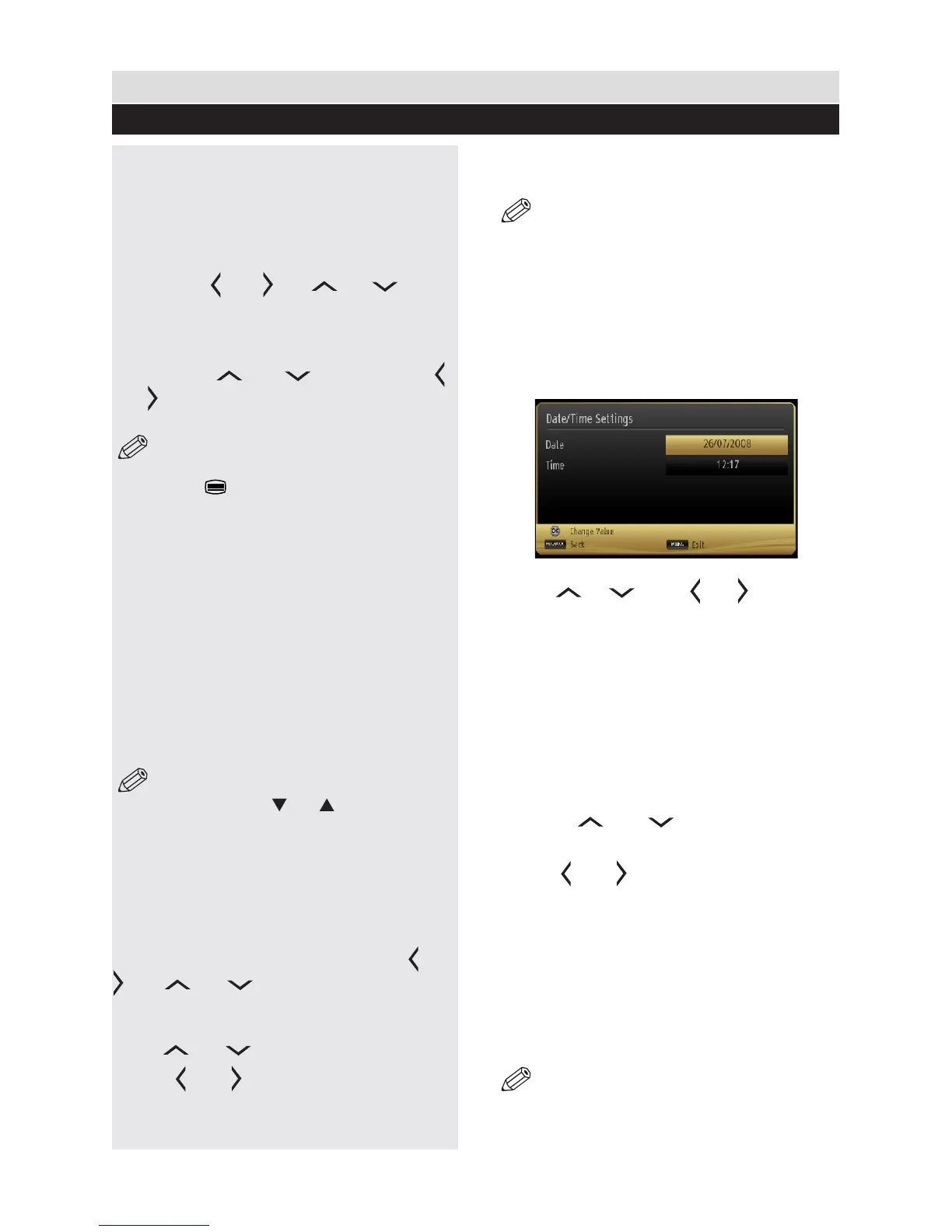
Conguring Date/Time Settings
1. Select Date/Time in the Settings menu to
congure Date/Time settings.
2. Press OK button.
3. Use “ ” , “ ” and “ ” , “ ” buttons to
set the options. Some items might be available
to be set due to the selected modes.
Source Settings
You can enables or disable selected source
options. When set, the TV will not switch to
the disabled source options when “SOURCE”
button is pressed.
1. Select “Sources” in the “Settings” menu and
press “OK” button.
2. Press “ ” , “ ” buttons to select a
source.
3. Use “ ” , “ ” button to enable or disable
the selected source.
Current Language
(*) For digital broadcasts.
If there is a programme that is broadcasted
with multi-channel sound or subtitles and offers
different languages for these, you can choose
the language. Press LANG. button to select
between available options.
NOTE: If the background is transparent,
on screen texts will be slightly transparent
as well.
General TV Operation
Basic Operations
24



 To Next Page