2. Use “ ” or “ ” button to select a music le
and press OK button to play. Follow the information
on the operations bar for using other commands.
Using MENU button in Media Browser Mode
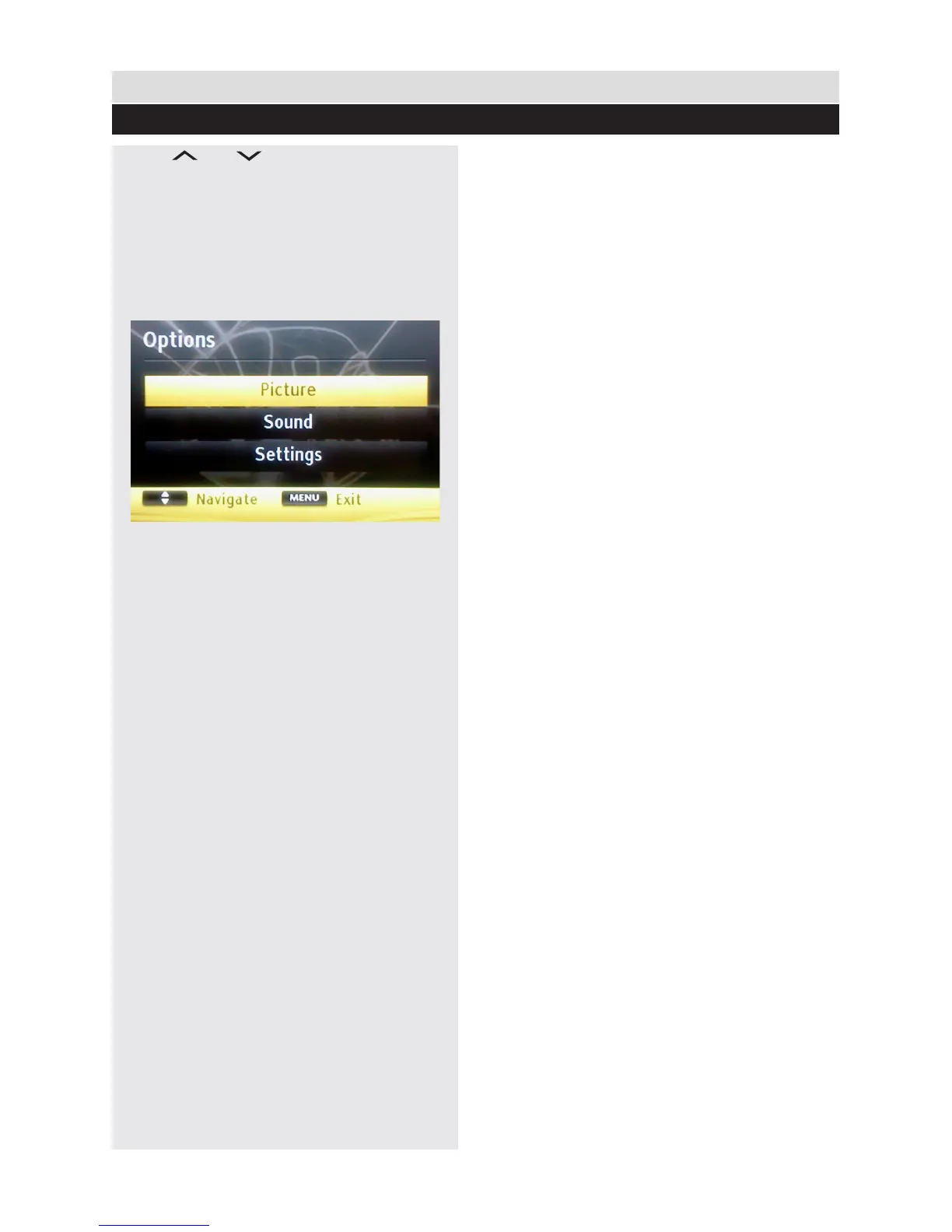
Pressing MENU button in Media Browser mode
displays the following menu screen:
You can access Picture, Sound and Settings
menu options using this screen. Press MENU
again to exit from this screen.
General TV Operation
Media Browser - continued
36



 To Next Page