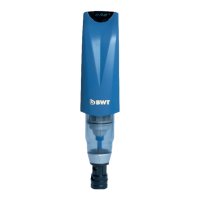
9 Commissioning the Filter
Slowly open the isolating valve(s) and de-aerate
the pipework. Check the seals of the installation
and filter for leaks.
Before connecting to power, check the filter di-
scharge is connected to the drain.
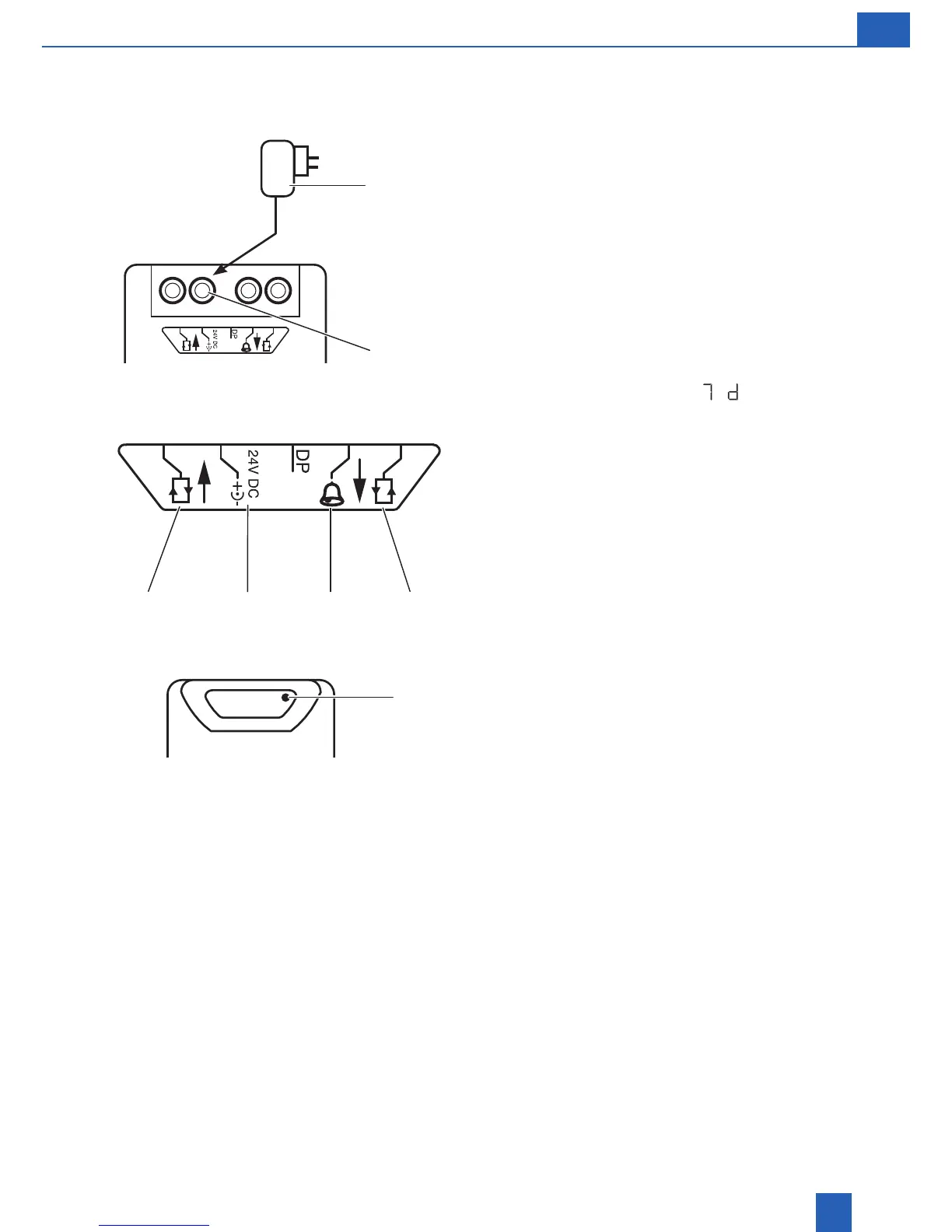
Insert the cable plug connector of the power supply
unit into the socket marked 24 V DC. Plug in power
supply unit with plug (3) to mains power point.
As soon as the power is connected, the first back-
washing cycle is performed automatically.
The illuminated display is activated during back-
washing.
The default factory setting
(7 days) will
appear first. The filter is capable of backwashing
hourly, daily or weekly up to 56 days.
It is recommended to program the filter so that the
device is backwashed at least once a month to
avoid the build-up of foreign particles on the filter
screen, or more frequently if required.
In case of power loss the filter will backwash au-
tomatically once the power supply is reconnected.
Minimum operating pressure is 350 kPa.
9.1 Setting the timer
1. Press SET for 5 seconds.
2. Display dots (3) appear: device is in program-
ming mode.
3. Press and hold the SET key to step up the
number of hours (h) or days (d).
4. The hours (h) run from 1 - 24, followed by days
(d) from 2 - 56, followed by the hours again.
5. Hold the SET key until the desired setting has
been reached, then let go.
6. The setting is saved 10 seconds after the last
input.
7. The display dots disappear: the unit backwa-
shes automatically (display of 3 bars rotate
around the screen).
8. The display returns to programmed settings
when backwash has completed.
9. The timer is now programmed.
10. The unit will display and countdown the time
until the next backwash.
24 V
3
CIC24 VSignal IN Signal OUT
Set


 To Next Page