Unlocking:
■ In the anti-theft mode, put the NFC (phone) close to the
command area on the front left rear view mirror to unlock all
vehicle doors at the same time. At the moment, the turn signals
will flash twice.
■ In the anti-theft mode, after unlocking doors with the NFC
(phone), please open the door within 30s. Otherwise, all doors
will become locked again automatically.
■ After unlocking doors with the NFC (phone), user startup
permission will be provided within 10 minutes, and this
permission will be released in OFF mode.
■ In the following conditions, the lock/unlock will not work with the
NFC (phone) close to the command area on the front left rear
view mirror.
■ The NFC (phone) is put close to the command area on the
front left rear view mirror while any door is being opened or
closed.
● The vehicle power is not in the OFF mode.
■ Some mobile phones do not support NFC key function.
■ The maximum validity period of keyless startup permission is 10
minutes.
■ Please try to avoid long time and high frequency use when the
mobile phone is off without power.
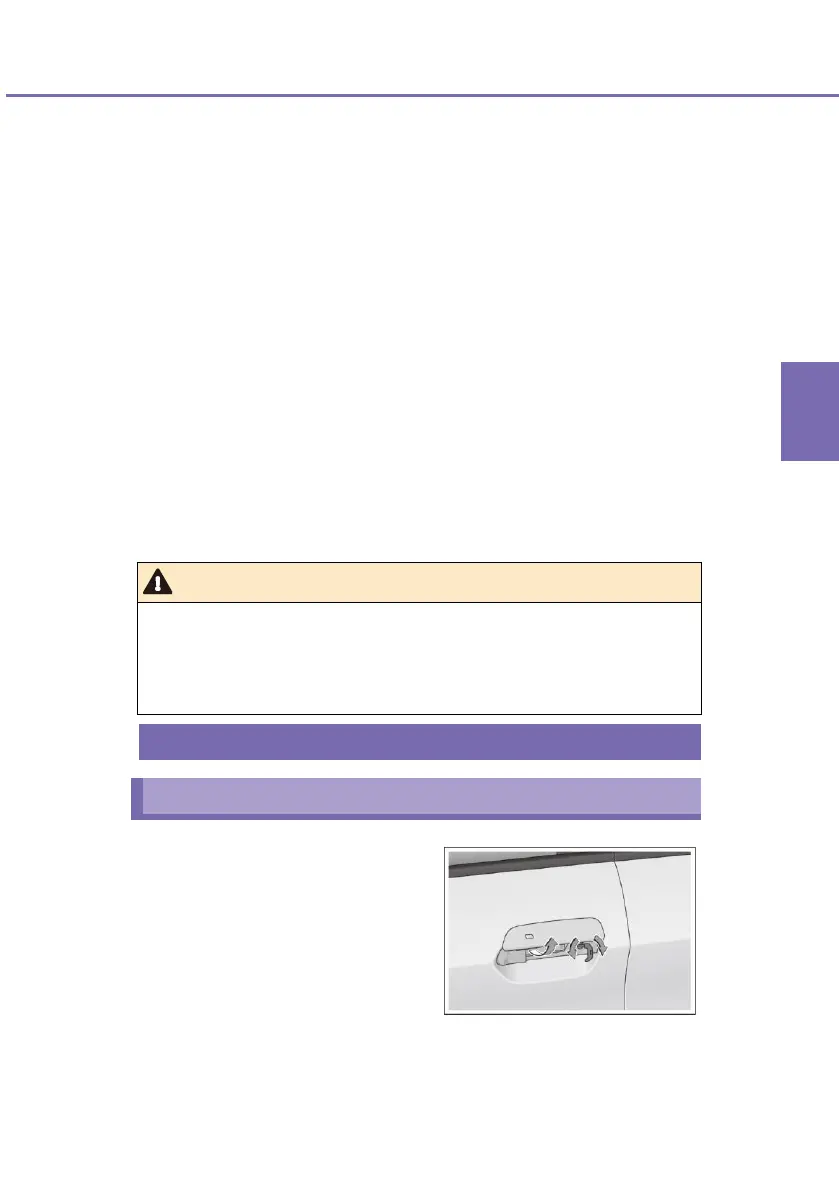
Lift the front left door outer handle
upward, insert the key into the lock
hole, and turn it.
■ UNLOCK: turn the key in
anticlockwise direction
After unlocking with the
mechanical key, pull out
the key, and pull the
outer handle to open
the door.












 To Next Page