iNetVu™ Service Manual Page 18 of 109
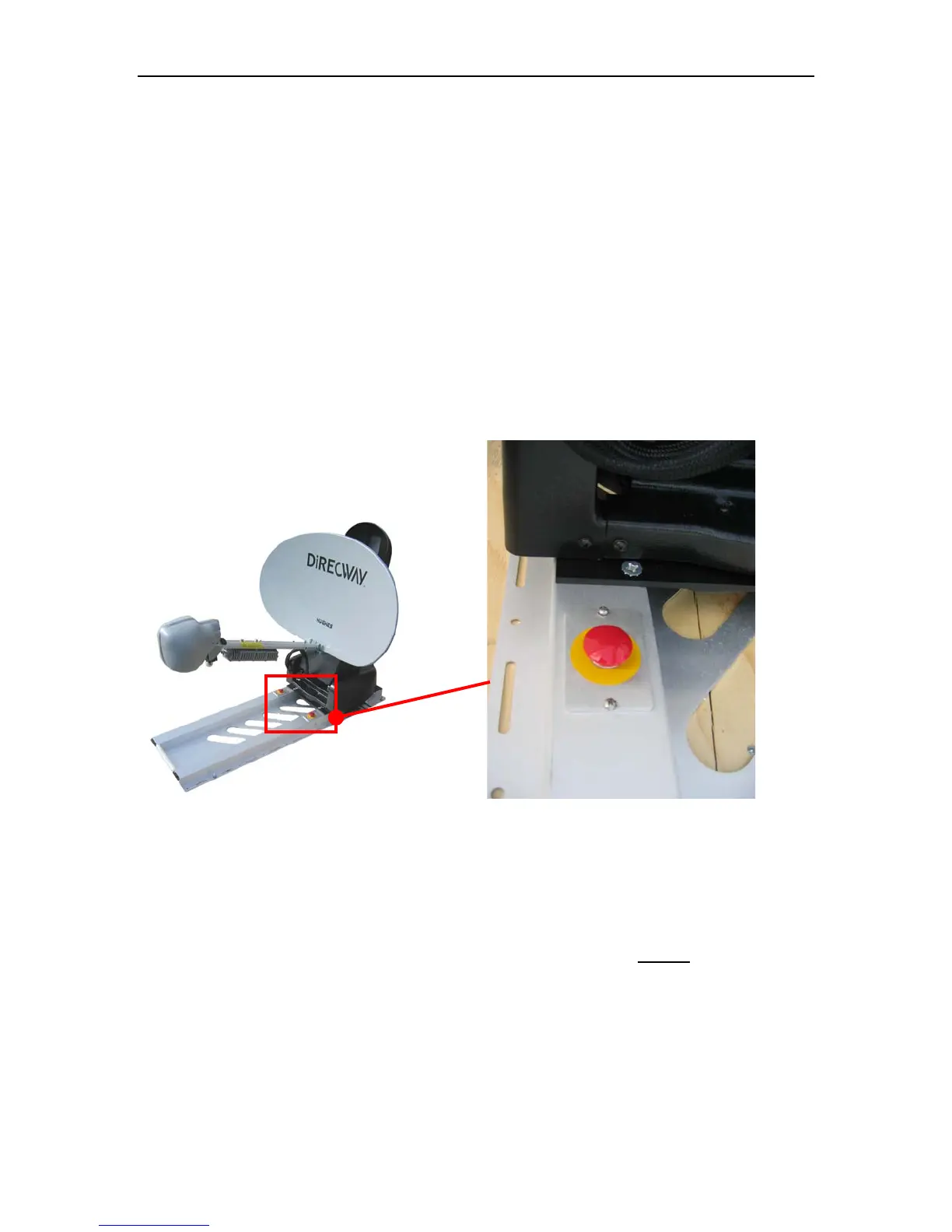
2.2.7. Emergency Stop Switch Operation Check
This Maintenance Check is only required for users with Emergency Stop
Switches installed.
Required Materials:
None
Procedure:
1. Locate the two (2) Emergency Stop Switches located on the Base
Plate.
Fig. 9: Emergency Stop Switch Location
2. Clean off any obstructions from the Emergency Stop Switch Assembly.
3. Using either the iNetVu™ Software or Handheld Controller, manually
move the Antenna, and verify the operation of the BOTH Emergency
Stop Switches.



 To Next Page