iNetVu™ Service Manual Page 35 of 109
3.2.5. Compass Related
3.2.5.1. Compass value is not accurate
Cause 1:
A foreign object (e.g. metal, magnet) is radiating a magnetic field that is
obscuring the compass from obtaining a reliable reading.
Solution 1:
1. Ensure there are no foreign objects (e.g. metal,
magnet) around the Mobile Platform.
2. Switch to CONFIG mode. (5000/9000 Only)
3. Go to Maintenance.
4. Click Check CP.
5. The Mobile Platform will now orient itself to North,
East, South, and West.
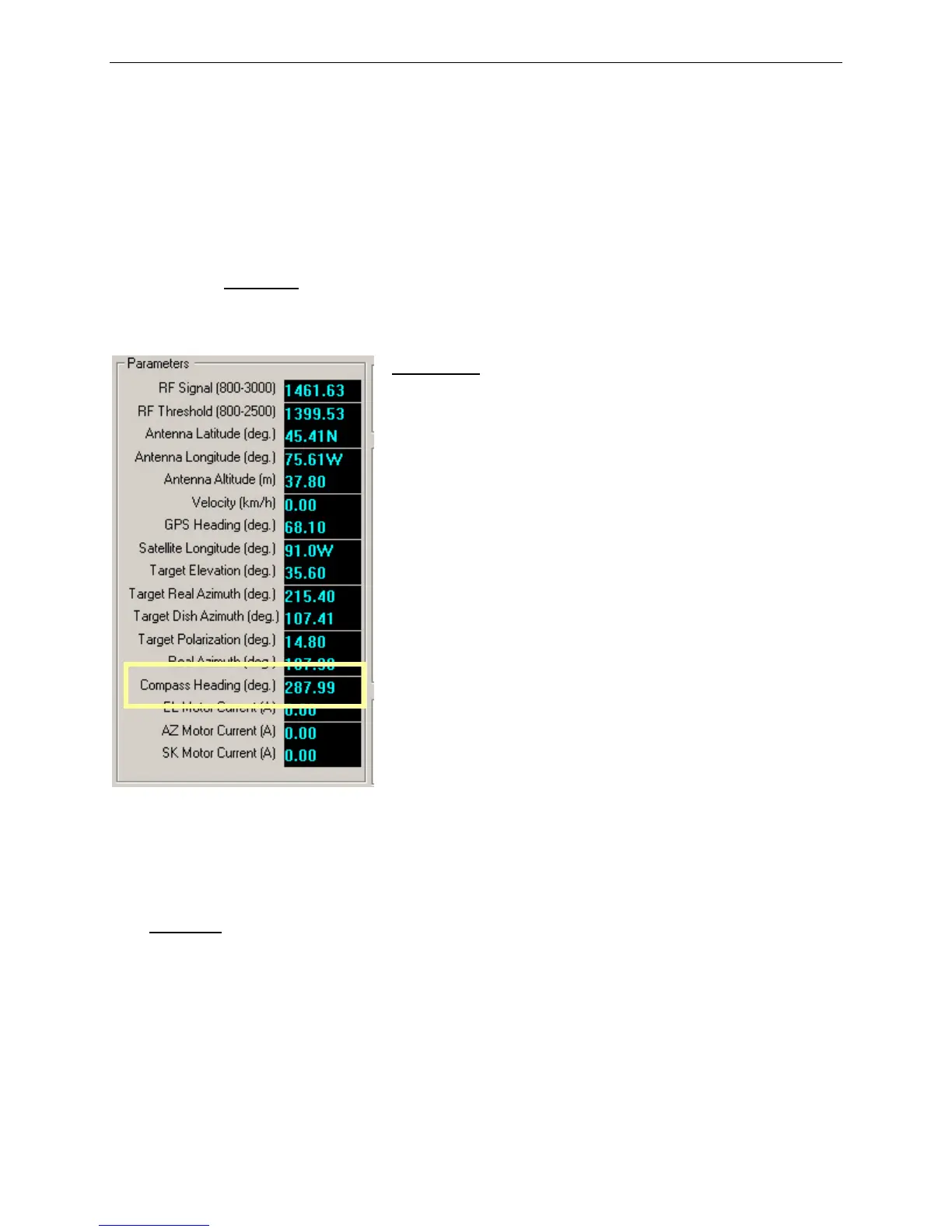
6. Pay attention to the Compass Heading in the
Parameters display as well as the Message Panel,
and record the values.
7. If you receive a pass compassed, you may
continue operating normally.
8. If your compass fails accuracy, compass may require re-calibration after finding
satellite.
Solution:
Ensure that the front of the iNetVu™ Mobile Platform’s front (end with Azimuth
plate) is facing North.



 To Next Page