iNetVu™ Service Manual Page 60 of 109
4.5. Replacing Azimuth Potentiometer
Products Affected:
iNetVu
TM
Platforms: All A-Generation
Description:
This procedure describes the steps involved to replace the Azimuth Potentiometer for all A-
Generation Mobile Platforms.
Required Materials:
Phillips screwdriver
Multi-purpose grease (Temp. Range: -40c to 65c)
10-turn potentiometer
Solution(s):
Use the following steps to perform replace the Azimuth Potentiometer:
1) Ensure the Antenna Azimuth is in the zero position (approximately 0 degrees)
before commencing.
2) Remove Elevation and Azimuth covers.
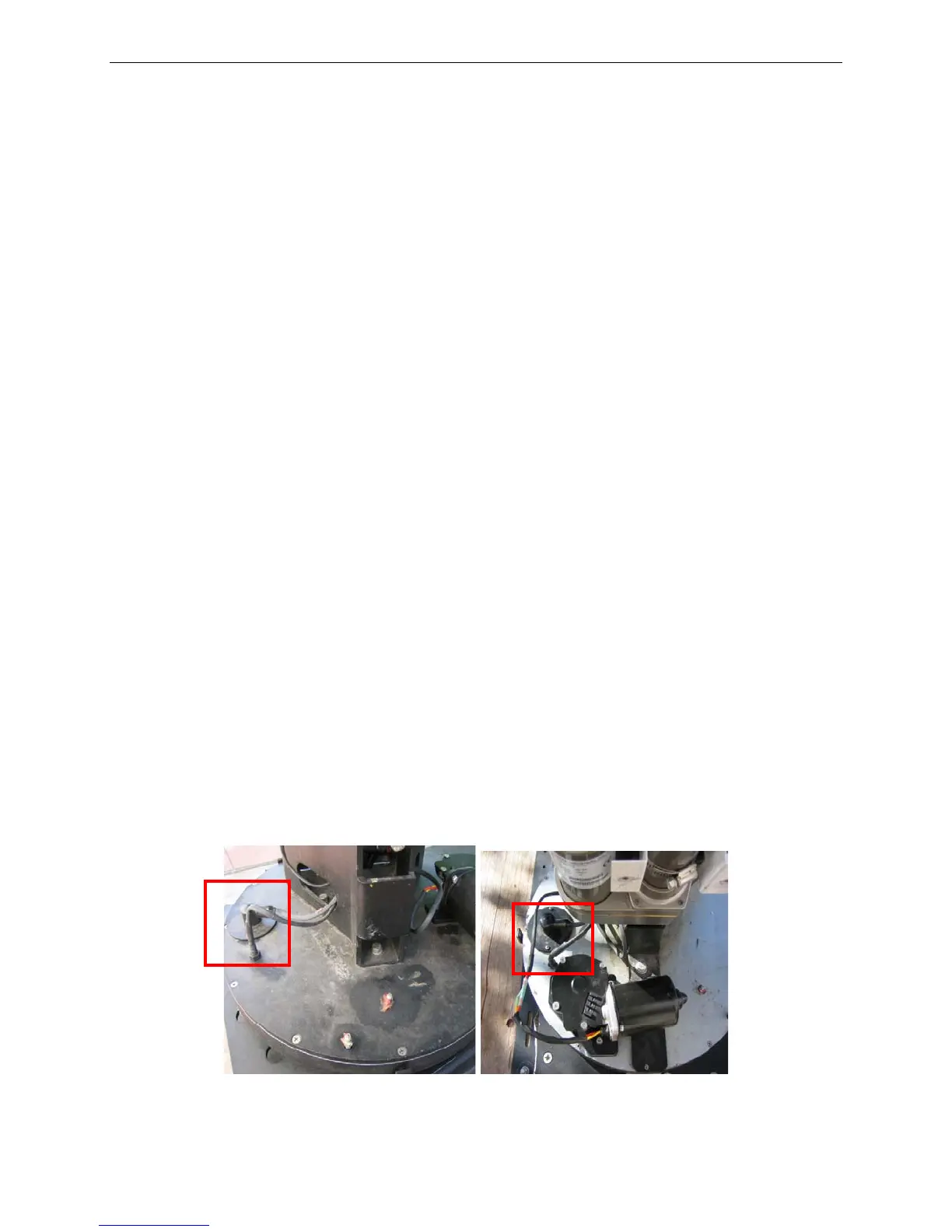
3) Locate Azimuth Potentiometer.
4) Disconnect Azimuth Potentiometer connectors and remove using Phillips
screwdriver. Please remember to take note of the wiring coloring system for the
connections. DO NOT discard the faulty potentiometer, as it is required to be
sent back to C-Com Satellite Systems for failure inspection tests.
Fig. 15: Azimuth Potentiometer location for A1200 (left) and A980 (right)



 To Next Page