iNetVu™ Service Manual Page 59 of 109
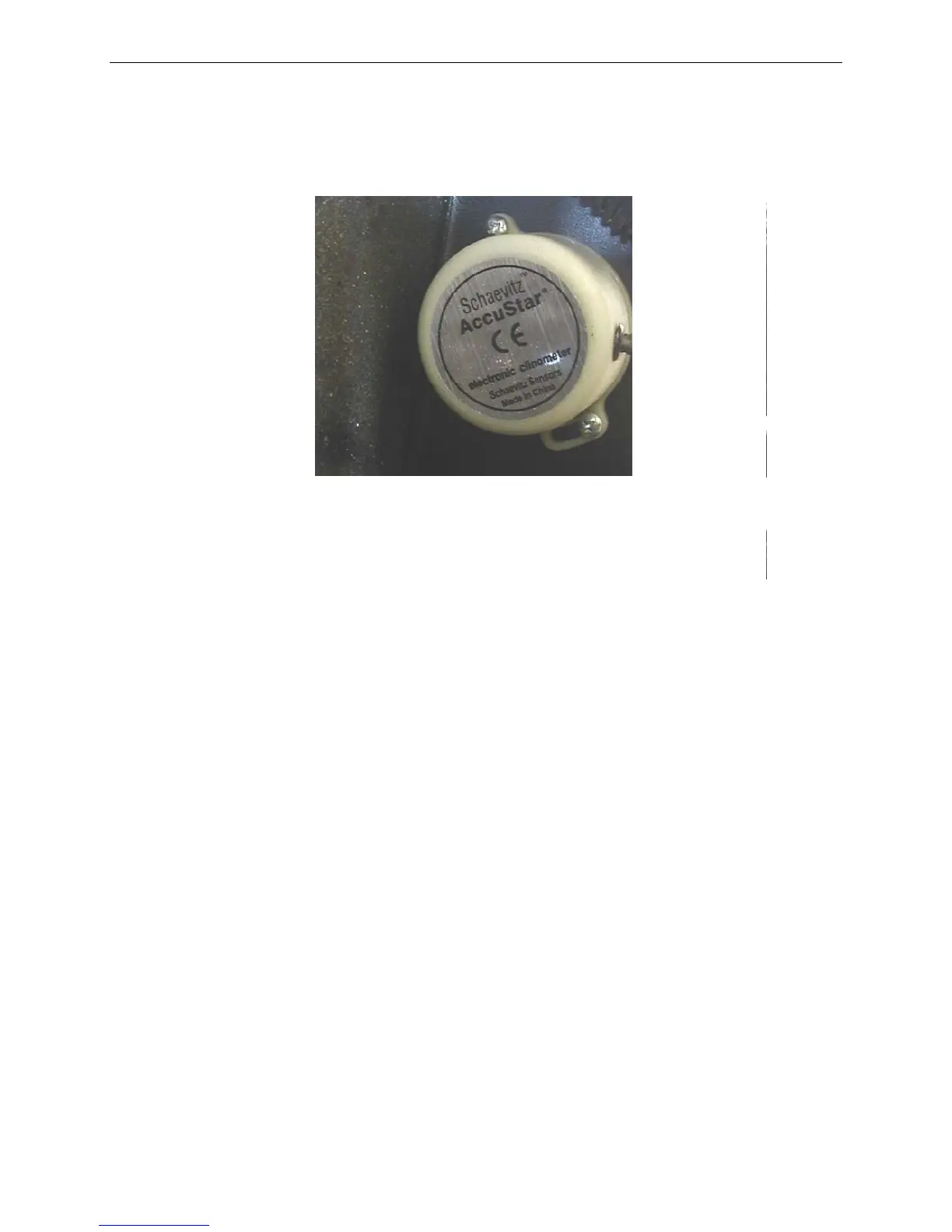
Fig. 3:
Proper Inclinometer Orientation
7) Apply dielectric grease to the pins on the male connector to ensure connectivity
with the Replacement Inclinometer.
8) Connect the Replacement Inclinometer to the Wiring Harness.
9) Prior to “tidying up” the installation, it is recommended to test the functionality of
the Inclinometer using the iNetVu™ Mobile Software (Advanced Controls Menu) and
a Handheld Protractor. Place your Protractor on the Elevation Arm in order to have
the correct reference for verification with the iNetVu™ Mobile Software.
10) Use Tie-wraps to ensure the Cable Bundle is “tidy”.
11) Replace Elevation and Azimuth Covers.
12) Congratulations! The Inclinometer has been successfully replaced.
If the above procedure did not solve your problem then contact iNetVu support for further
assistance.



 To Next Page