iNetVu™ Service Manual Page 58 of 109
Solution(s):
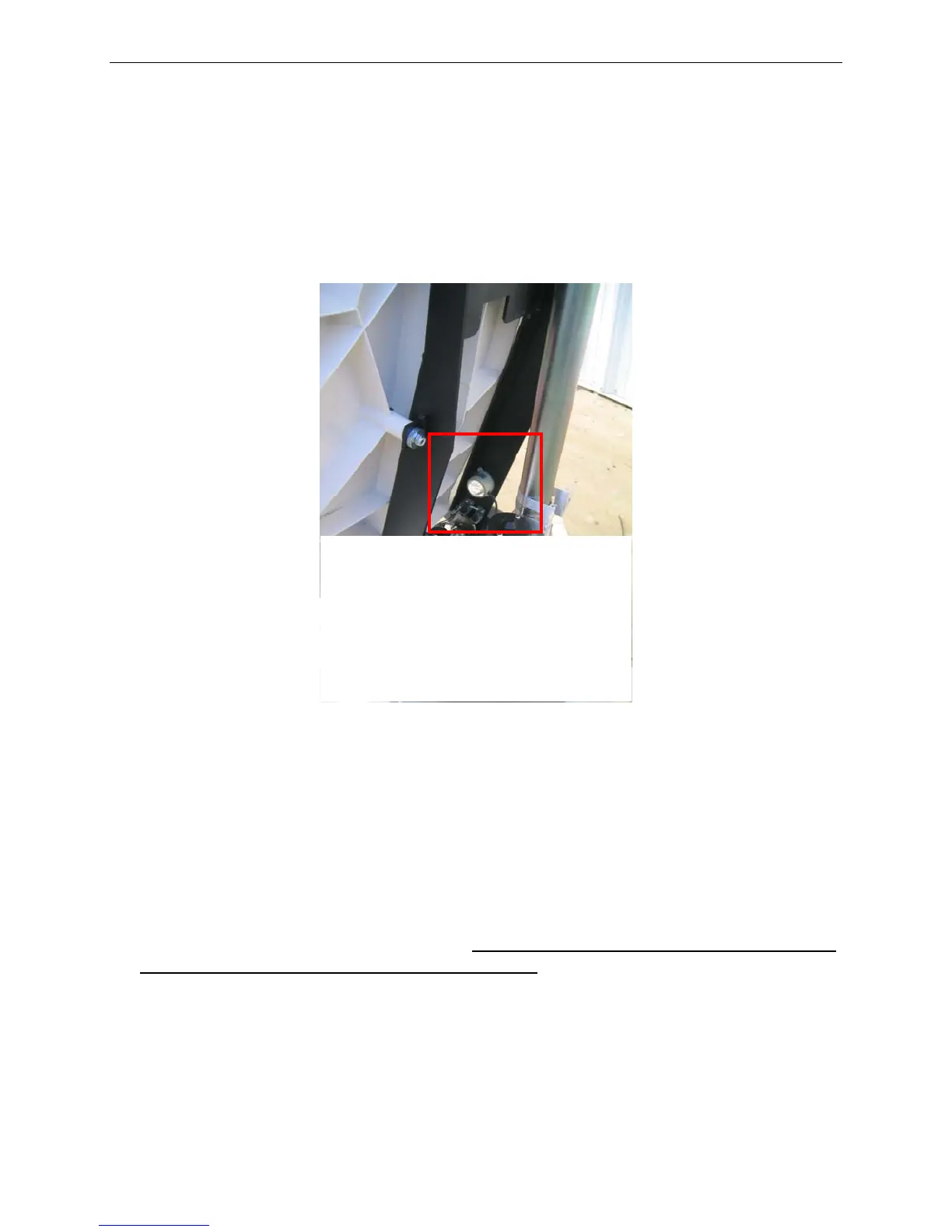
Use the following steps to replace the Inclinometer on all ME/A Series Mobile Platforms:
1) Remove Elevation and Azimuth Cover.
2) Locate the damaged/failed Inclinometer.
Fig. 1: Inclinometer Locations for the iNetVu™ 1200 and iNetVu™ 950/750/750 Mobile Platforms
3) Cut any existing Tie-wraps to remove the Wire Loom surrounding the
Inclinometer.
4) Disconnect the damaged/failed Inclinometer from the internal cabling.
5) Remove the damaged/failed Inclinometer using the Phillips Screwdriver.
6) Install the Replacement Inclinometer. Ensure that the lower slot is installed so that
the screw is at the far-right hand side of the slot.
Refer to the following figure for the proper orientation.



 To Next Page