“Rolling” a Measurement
H e re’s how to take a measurement with the D i g i R o l l e r /
DigiRoller Plus:
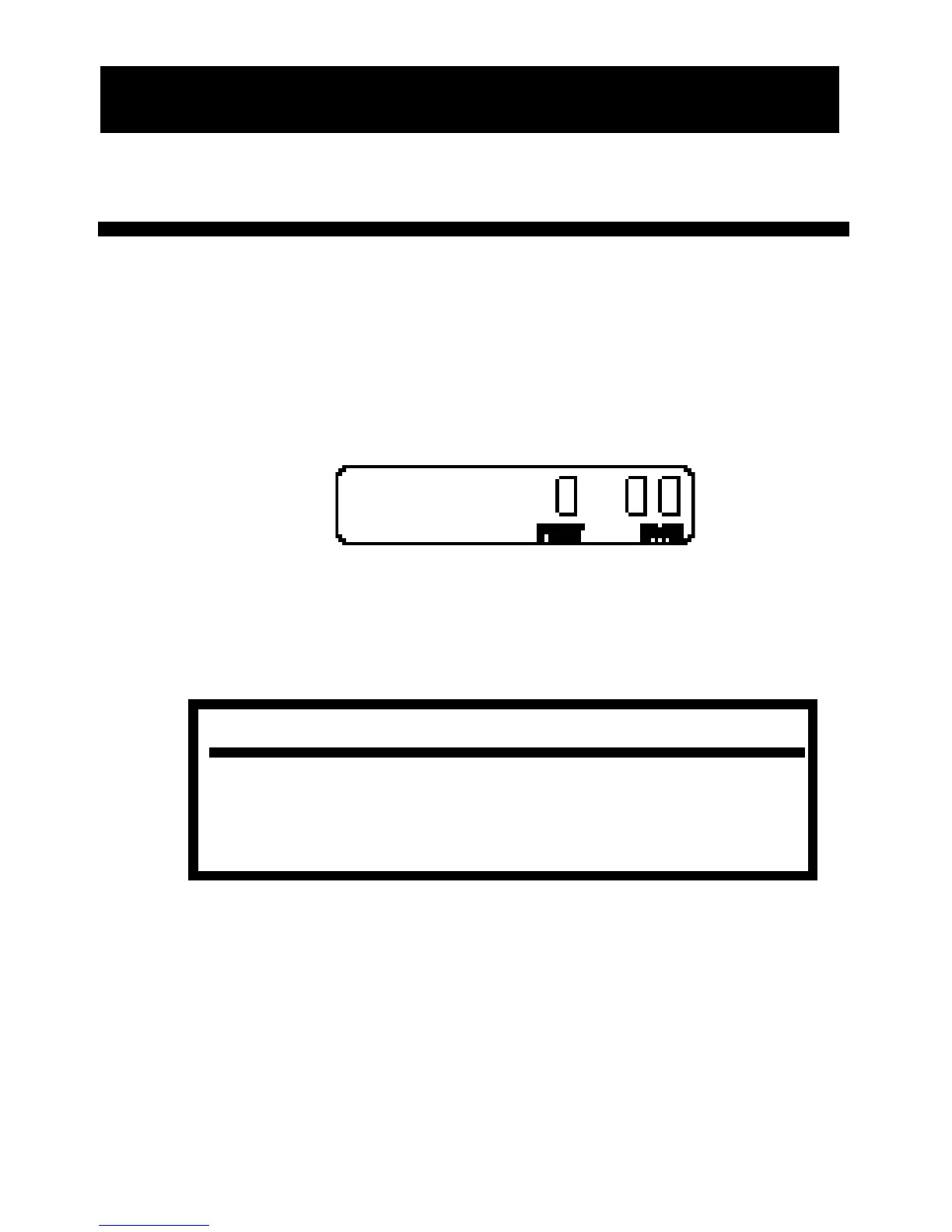
1) Turn the unit On by pressing the [On/Off] key. If the dis-
play does not show zero (0), press the [RESET] key to clear
the display.
2) Begin walking while rolling the DigiRoller/DigiRoller Plus.
You will see the display registering your measurements.
NOTE:
If you move the handle up or down while you are using the unit, you will
add or subtract a small distance (4-8”) to any roll. For this reason, it is
important to try to keep the unit in the same position throughout the roll.
USING THE DIGIROLLER/DIGIROLLER PLUS
13 – User’s Guide












 To Next Page