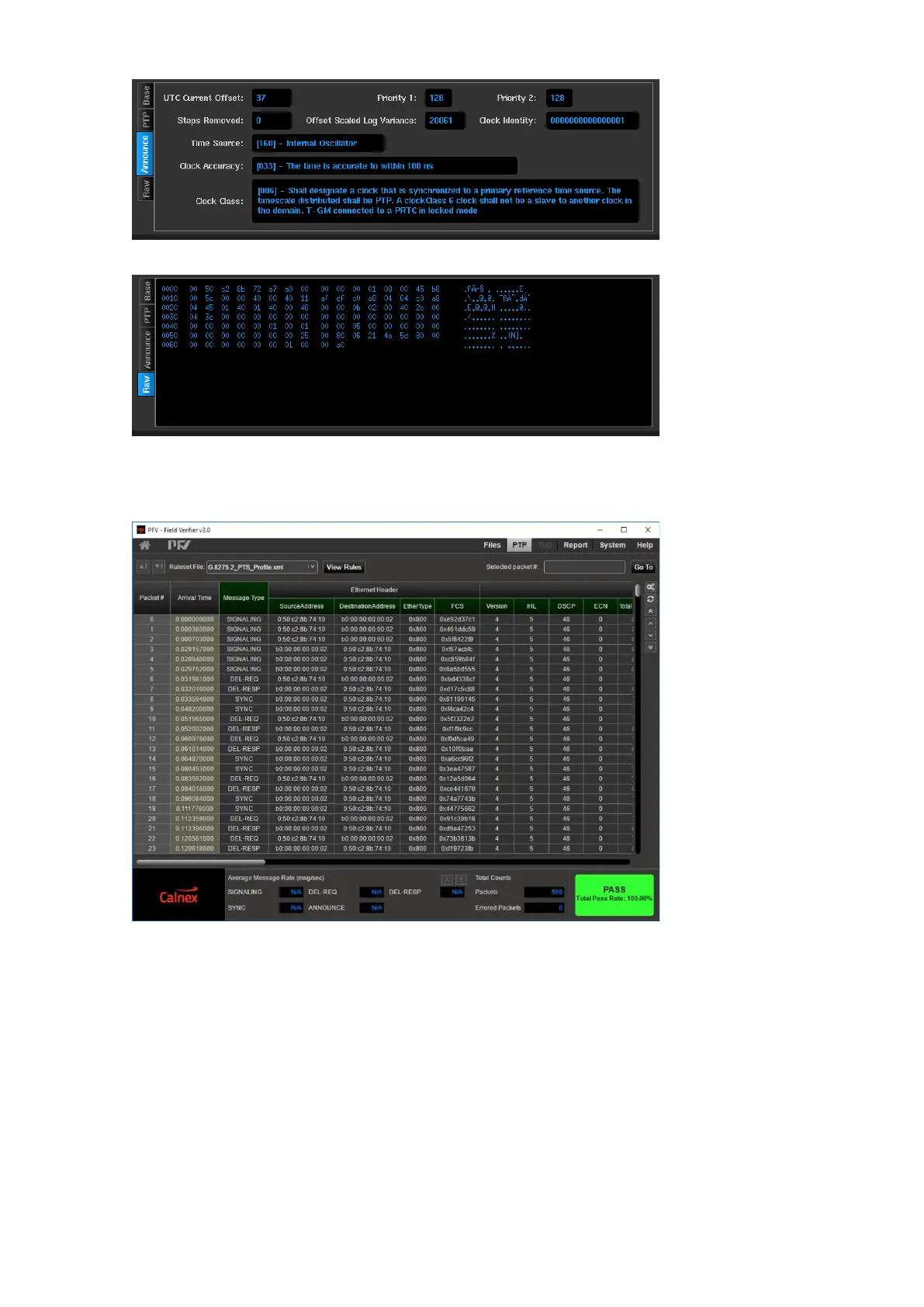
Raw – Hexadecimal and Ascii display of the captured packet. All packets will have this tab
Captured packets can be saved using the save button on the Packet Capture screen. The saved files will be in
PCAP format. The captured packets are saved together in a single .pcapng file and as separate .pcap files for
each PTP channel to the name and location specified during the save operation. These file can be transferred
from the Sentinel and analysed further using Calnex PTP Field Verifier (PFV) or other tools e.g. WireShark



 To Next Page