Using Sentinel
CX3001 v7.0 © Calnex Solutions 49
About
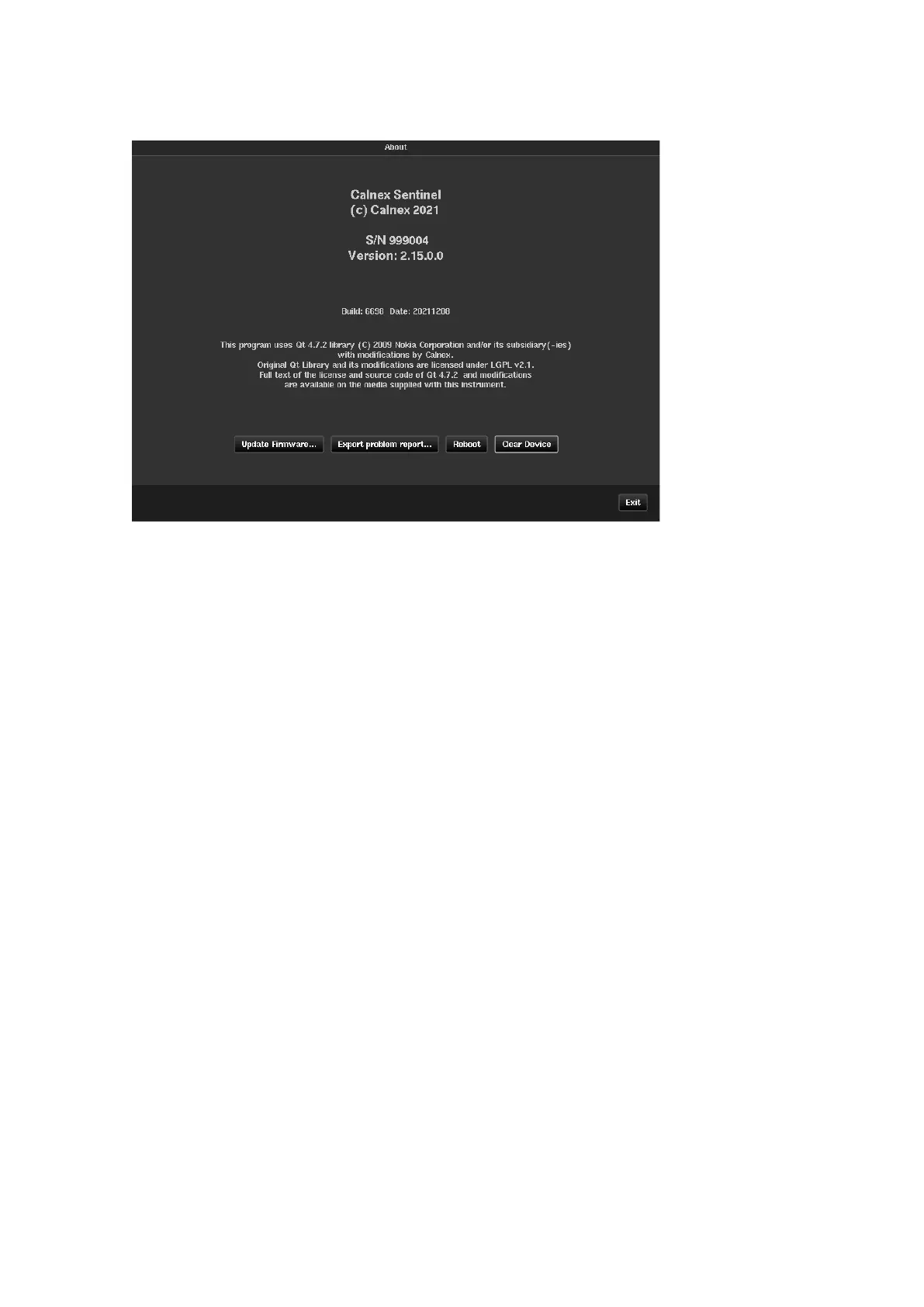
The About screen identifies the firmware installed in the instrument and enabled Sentinel options.
Used for updating Sentinel unit from a firmware image located in internal or external
memory (USB flash). The instrument is rebooted to finalise the firmware update
Allows the user to save internal system logs to a specified place in internal or
external memory of Sentinel. In the instance of a problem this information can be
sent to Calnex customer support to help in investigation
Allows the Sentinel to be rebooted without removing power
Deletes all measurement and configuration data from the device. When selected, a
warning message will appear to confirm this action will be taken



 To Next Page