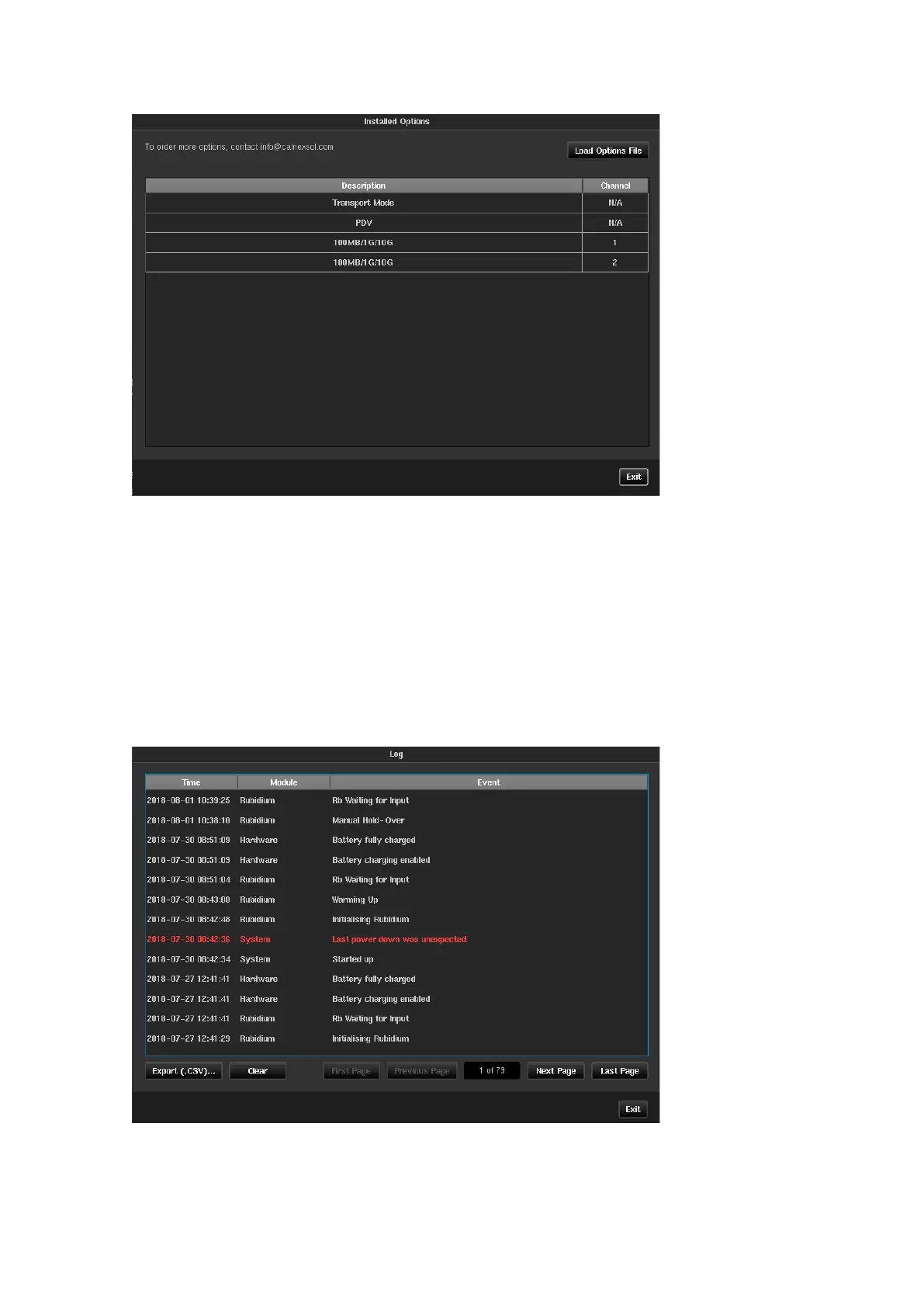
Installed Options
This screen shows the list of licensed options that are installed on Sentinel. If one or more Packet Modules are
installed, then the PDV option will display. If a 10GbE Packet module is installed, then an entry will appear for
each licensed port and the relevant interface speeds available for that port.
Packet module options can be upgraded in the field through a file supplied by Calnex. This file should be copied
to either Sentinel internal or external memory and selected through the Load Options File button. Once the file
has been loaded, Sentinel will reboot, and the new options will be enabled.
Log
Sentinel keeps a log of different events (start up, power down, timebase warming, measurement start, loss of
signal etc.) that can be seen in the Log page. The Log can be exported to a CSV spreadsheet that can be read by
many spreadsheet editors and text viewers. An explanation of the events in the log can be found in Appendix D.



 To Next Page