Need help?
Do you have a question about the CAME BX708AGS and is the answer not in the manual?
Key safety warnings and instructions for installers to prevent harm and ensure proper installation.
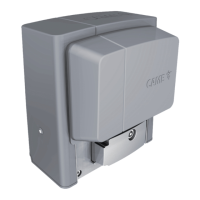
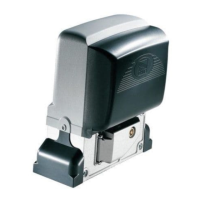
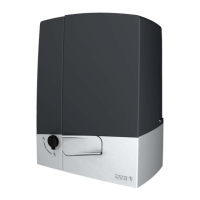
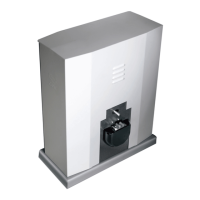
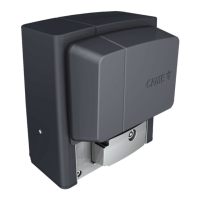
Details the BX704AGS and BX708AGS operators, their features, and compliance.
Provides detailed specifications including IP rating, power, consumption, and dimensions.
Illustrates the physical measurements of the gate operator with clear diagrams.
Visualizes operator cycles per hour based on gate length and temperature.
Shows consecutive cycles based on gate length and temperature.
Lists and identifies all components of the gate operator system.
Illustrates the typical setup and components for standard gate operator installation.
Provides essential prerequisites and general guidance before commencing installation.
Specifies recommended cable types and minimum thicknesses for various connections.
Details the process of laying corrugated tubes for wiring during installation.
Step-by-step guide on how to install the anchoring plate for the operator.
Instructions for placing and preparing the operator unit on the anchoring plate.
Guides on how to attach and secure the gate rack to the operator's pinion.
Details on correctly aligning the pinion and rack for smooth operation.
Final steps to secure the operator to the plate after adjustments.
Procedure for setting the opening and closing limit switches for precise gate movement.
Identifies each numbered component and terminal on the control board.
Instructions for connecting wires and cables to the control board brace using cable glands.
Diagram showing the factory wiring connections for the gear motor, limit switches, and condenser.
Explains how to connect the power supply and adjust motor torque settings.
Describes connections for flashing lights and warning outputs for gate status.
Details various control devices like stop buttons, partial opening, and remote control connections.
Explains how to configure photocell inputs (CX, CY) and their functions.
Describes the safety test for photocells and error indications.
Configuration of sensitive safety edges for gate operation safety.
Instructions for connecting and configuring wireless accessories via the RIOCN8WS card.
Details on connecting operators for paired operation or using the Came Remote Protocol.
Explains the function of programming keys (ENTER, ESC, <, >) and menu navigation.
Introduces the functions menu and explains how to access and operate it.
Sets the delay time for automatic gate closing after opening.
Adjusts the gate's slow-down speed during opening and closing phases.
Saves user data and configuration settings to the memory roll.
Configures wireless safety devices like RIO-EDGE for specific functions.
Procedures for entering, deleting users, and decoding transmitter codes.
Settings for operator type, gate-swing calibration, and parameter reset.
Displays maneuver count and firmware version information.
Step-by-step guide to calibrate the gate's opening and closing travel limits.
Process for adding users and assigning specific commands to them.
A comprehensive list of user numbers and their corresponding IDs.
Instructions on how to remove individual users from the system.
How to back up and restore system data using a memory roll.
Lists common error codes (E1-E18) and their meanings.
Steps for refitting covers and completing the installation after setup.
Provides solutions for common problems like power loss or gate not closing.
Configuration steps for operating two operators in a paired mode.
Guidelines for responsible disposal of the product and packaging.
 General
| Brand | CAME |
|---|---|
| Model | BX708AGS |
| Category | Garage Door Opener |
| Language | English |

 To Next Page