Finisher-AE1/Saddle Finisher-AE2/Puncher Unit-M1 (Optional)
2-41
2
Routine Maintenance
5
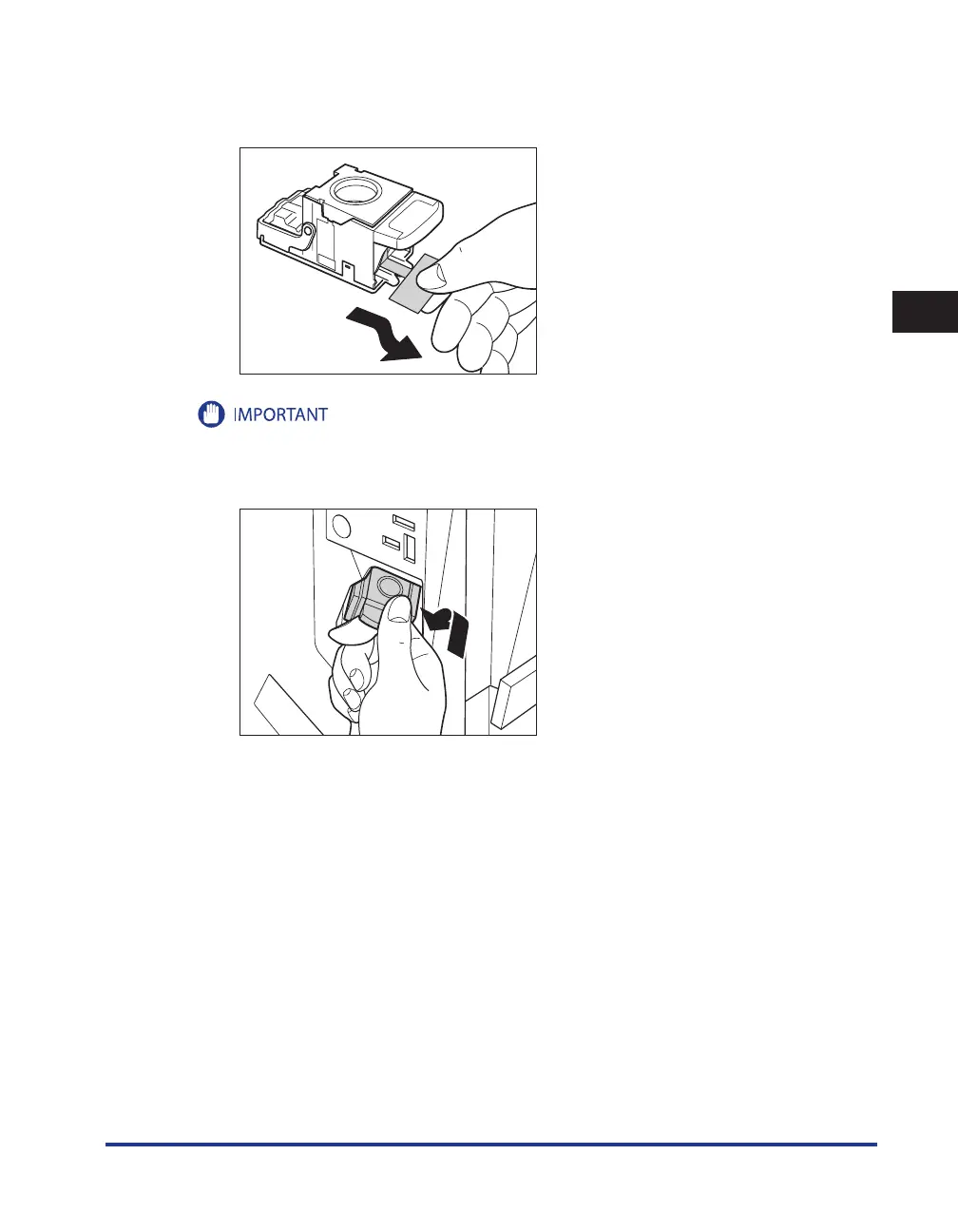
Remove the seal holding the staples together, by pulling it straight out, and
then down.
053(
Make sure that you pull the seal straight out, and then down. If you pull it out at an angle, it may tear.
6
Gently push the staple case into the stapler unit, until it is securely in place.










 To Next Page