Clearing Paper Jams
3-65
3
Troubleshooting
4
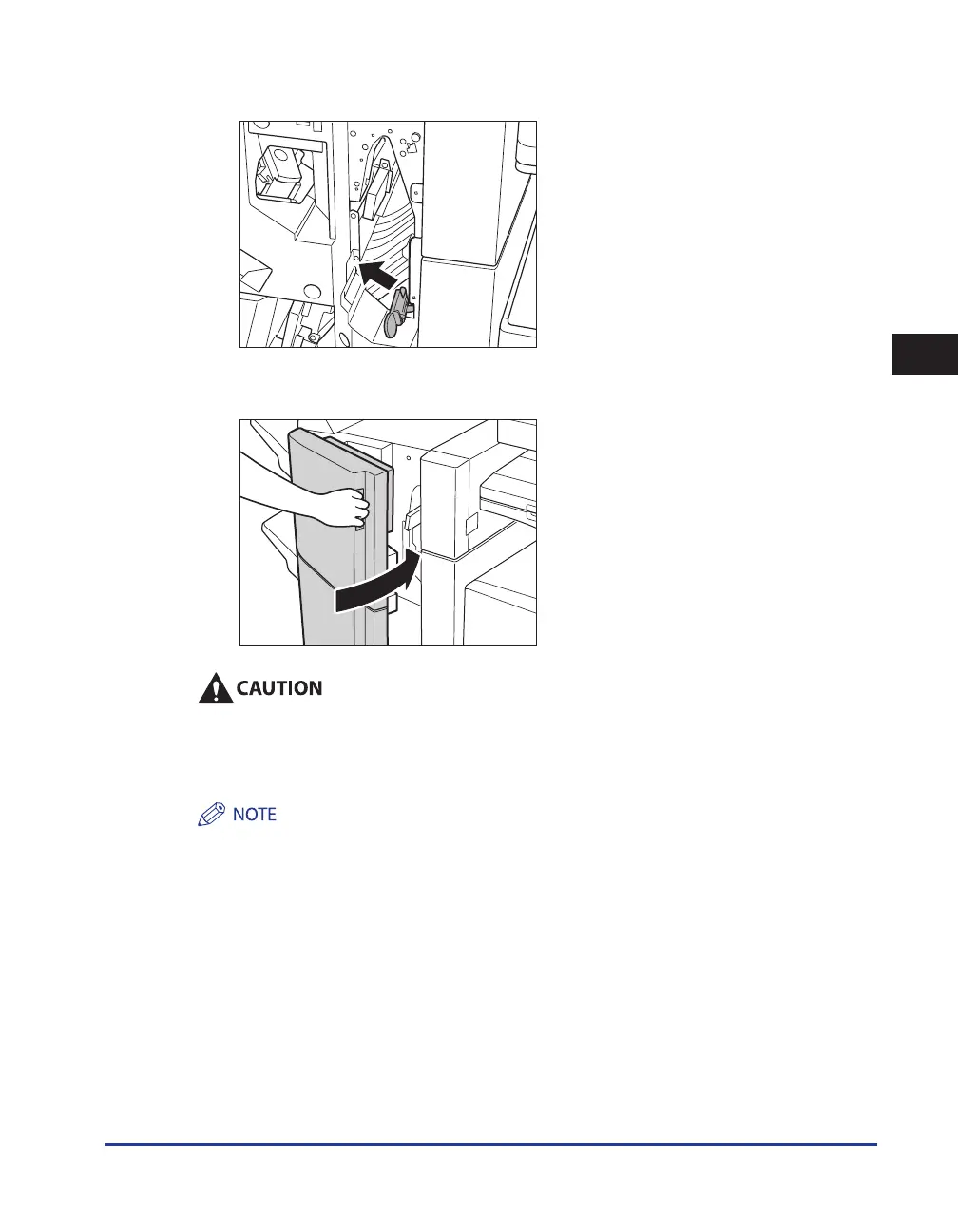
Return the lower delivery guide to its original position.
5
Close the front cover of the finisher.
When closing the front cover of the finisher, be careful not to get your fingers caught, as this
may result in personal injury.
6
Follow the instructions on the touch panel display.
The screen indicating the location of the paper jam repeatedly appears on the touch panel display until the
paper jam is entirely cleared. For more information, see “Screens Indicating the Locations of Paper Jams,” on
p. 3-3.


 To Next Page
 Loading...







