Paper Deck-Q1 (Optional)
2-11
2
Routine Maintenance
If a message prompting you to load paper appears during printing, the remaining prints are automatically made
after you load the correct paper. If you select another paper source, the remaining prints are made after you press
[OK].
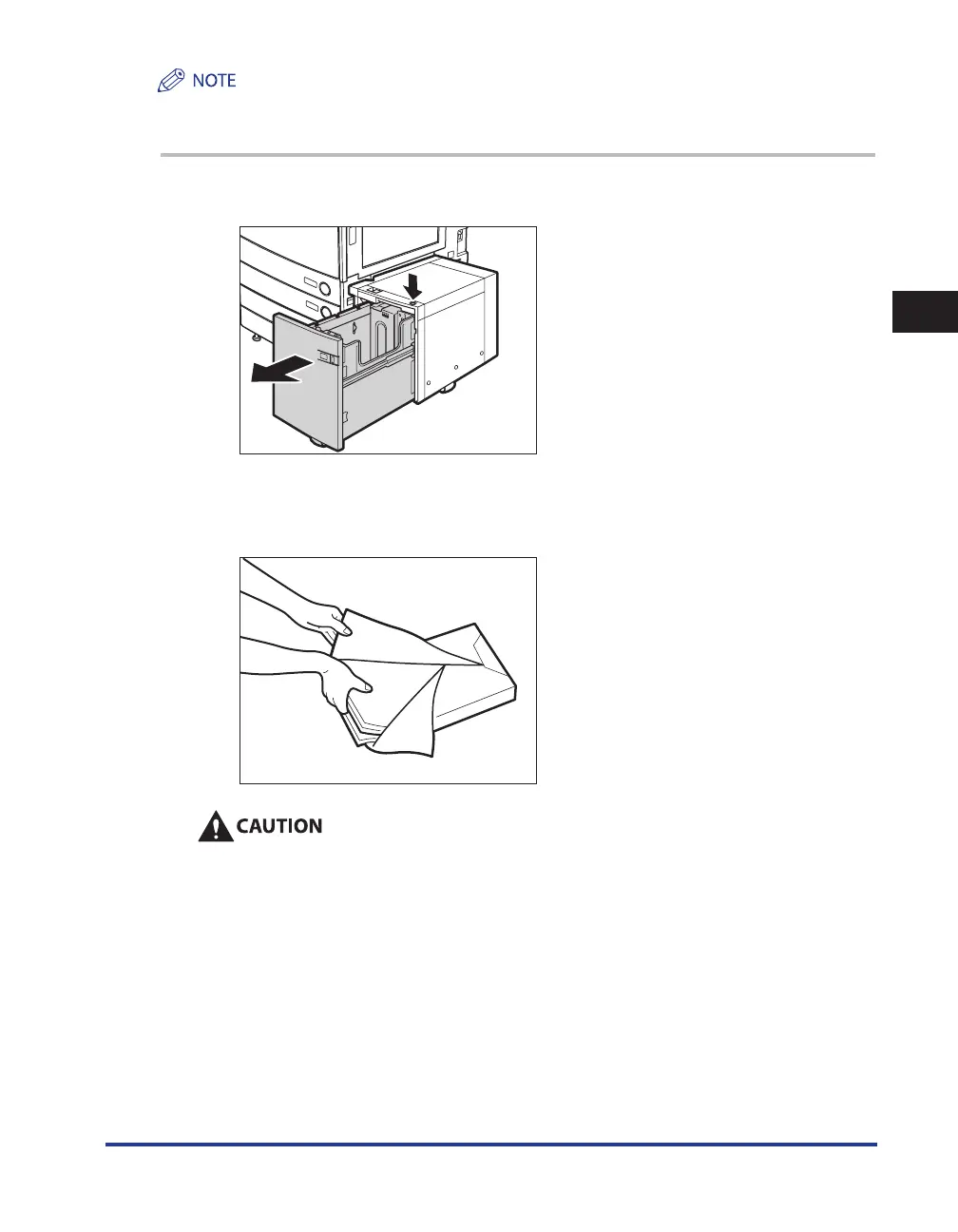
1
Press the open button to open the paper deck.
The inside lifter automatically descends to the paper loading position.
2
Open a package of paper, and remove the paper stack.
When loading paper, take care not to cut your hands on the edges of the paper.










 To Next Page