Paper Deck-Q1 (Optional)
2-12
2
Routine Maintenance
Rewrap any remaining paper in its original package, and store it in a dry place, away from direct sunlight.
Do not load the following types of paper into the paper deck. Doing so may cause a paper jam.
Severely curled or wrinkled paper
Thin straw paper
Transparencies
Paper which has been printed on using a thermal transfer printer (Do not print on the reverse side of this
paper either.)
For high-quality printouts, use paper recommended by Canon.
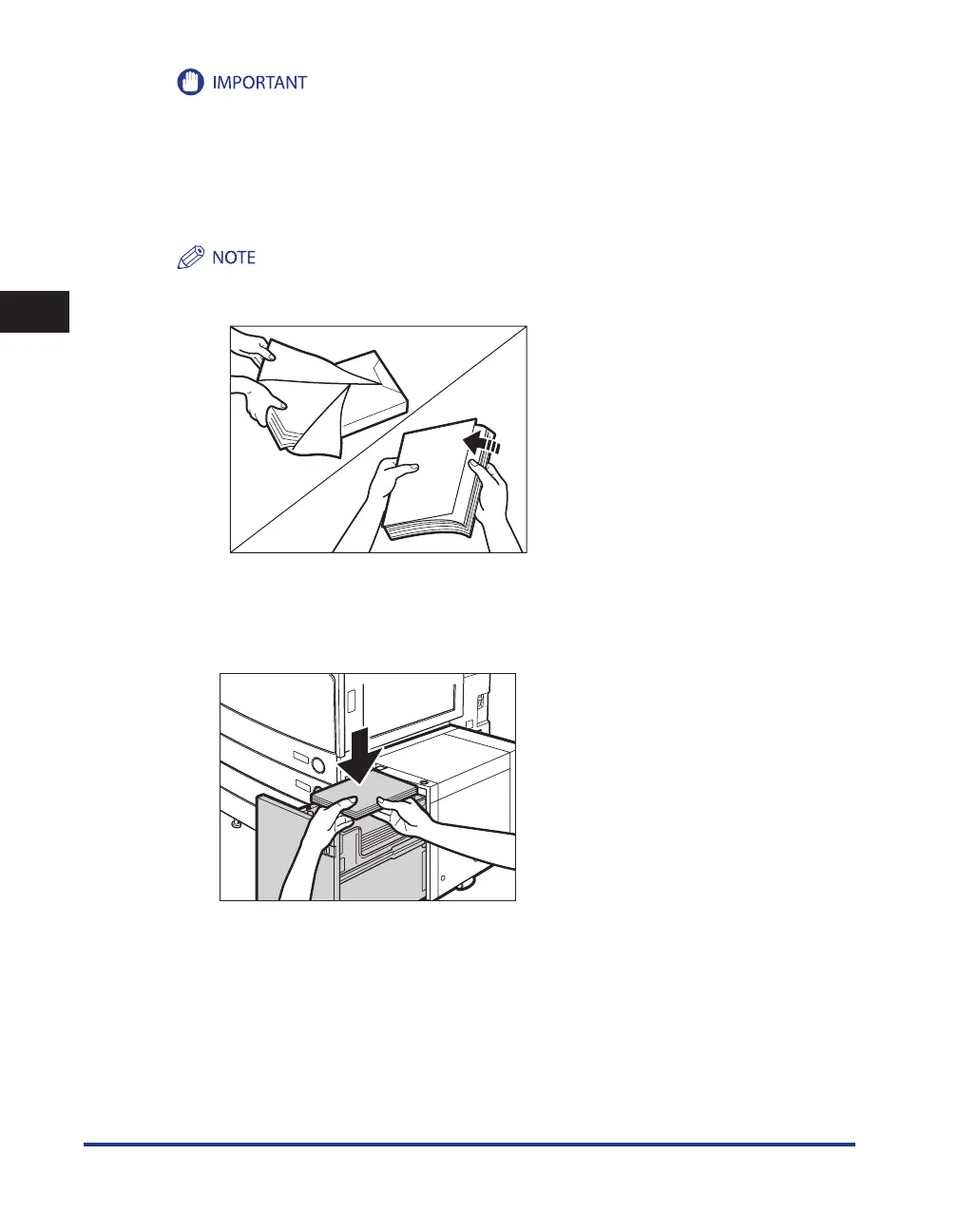
Before loading paper, always fan the sheets several times, and align the edges to facilitate feeding.
3
Load the paper stack into the paper deck.
Make sure that the inside lifter has lowered before loading paper, and even out the edges of the paper
stack.
•
•
-
-
-
-
•
•










 To Next Page