Envelope Feeder Attachment-C2 (Optional)
2-24
2
Routine Maintenance
8
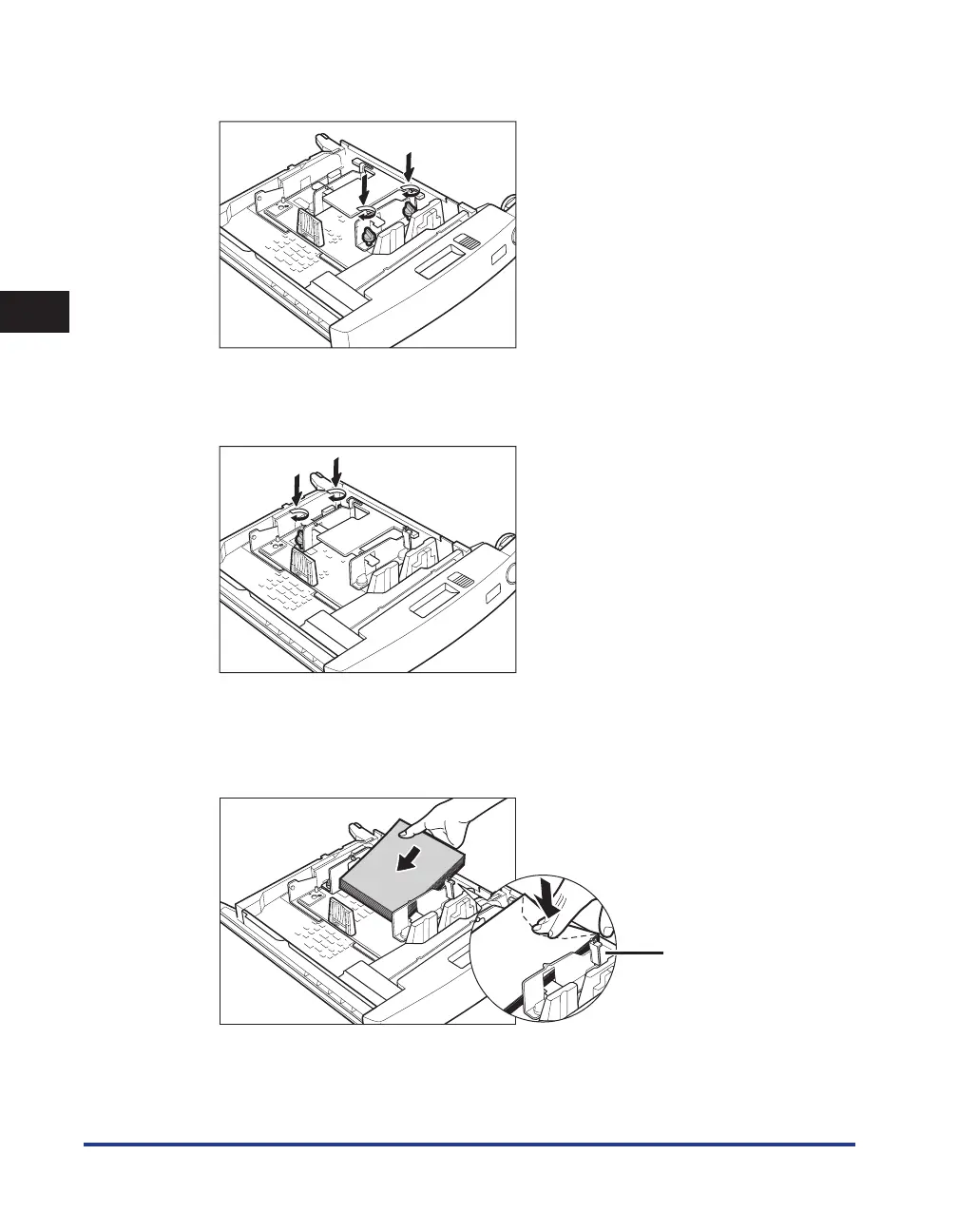
Fix the front width guide in place with the screws.
9
Move the back width guide of the envelope feeder attachment in
accordance with steps 6 to 8.
10
Load 10 envelopes at a time with the side you want to print on face up.
While loading the envelopes, press down on the right side of the receptacle
to lock them into place.
Claw










 To Next Page