Finisher-S1/Puncher Unit-R1 (Optional)
2-31
2
Routine Maintenance
1
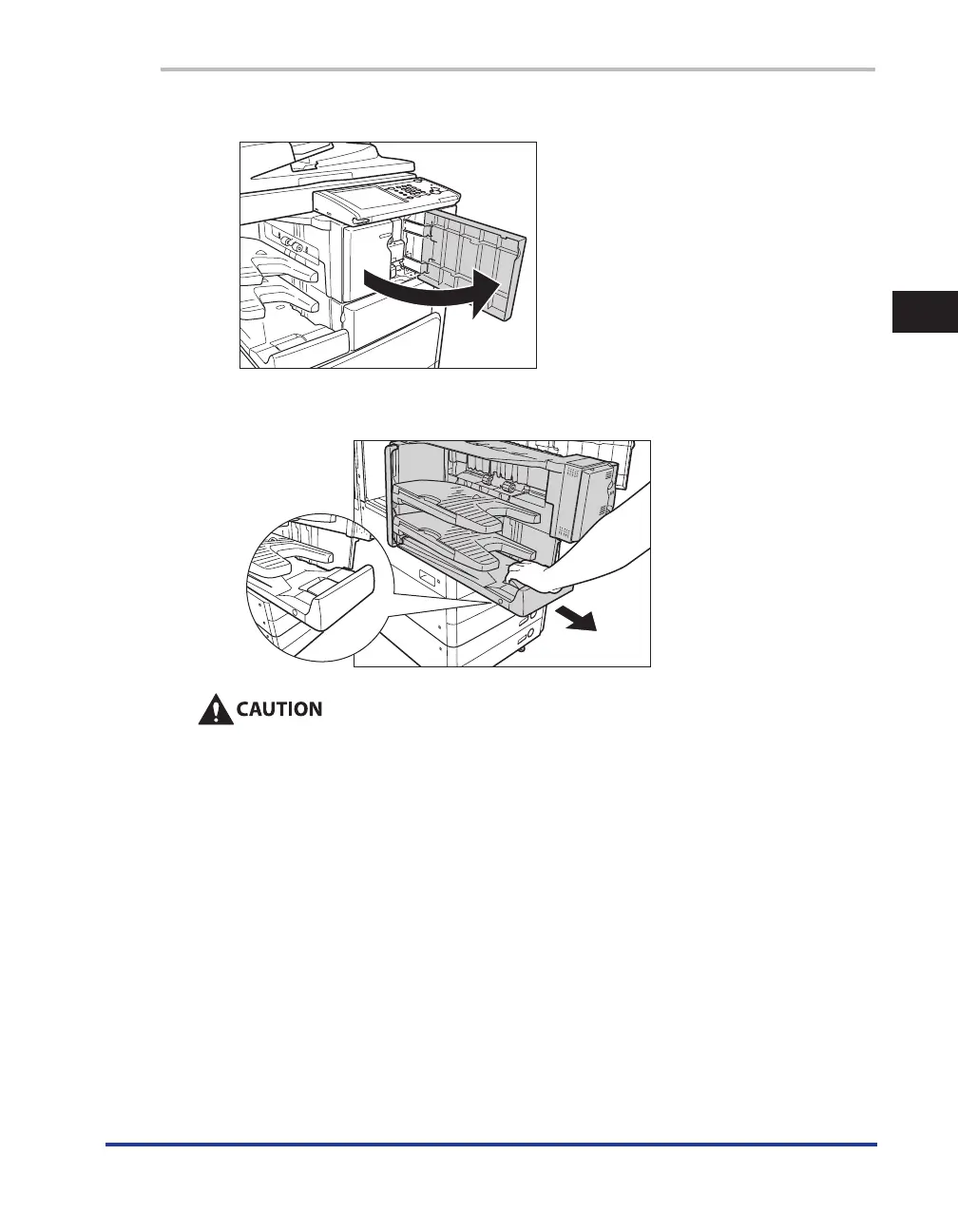
Open the front cover of the finisher.
2
Lift the handle of the finisher unit up, and then pull it out to the left.
Do not place any objects on the finisher unit, or lean on it, as doing so may damage the
machine, or cause the machine to fall over, resulting in personal injury.










 To Next Page