34
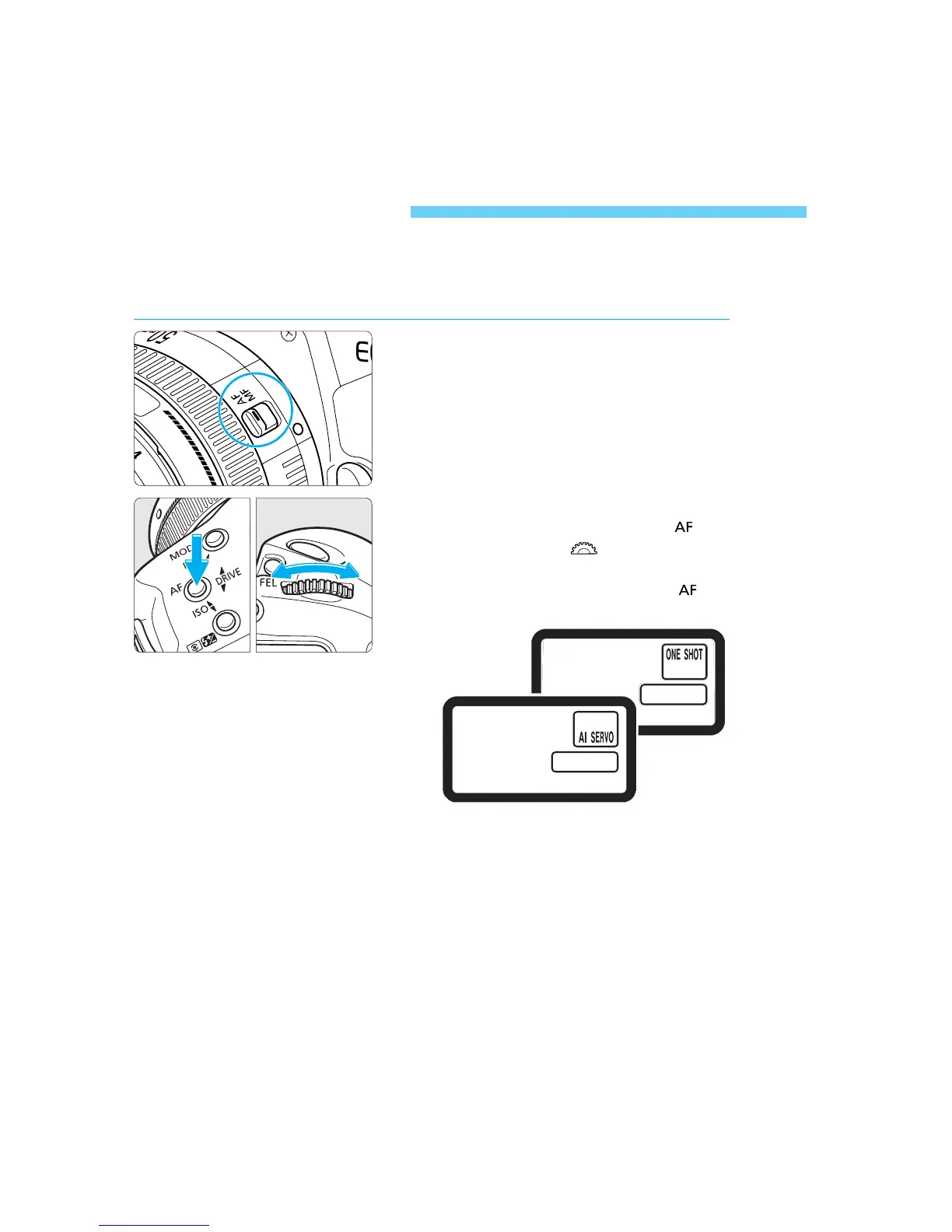
AF Mode Selection
AF stands for ‘autofocus’. The camera has two AF modes: One-Shot AF for
still subjects, and AI Servo AF for moving subjects. (AI is an abbreviation
for Artificial Intelligence.) Select the AF mode that suits the subject.
1
Set the lens focus mode switch to
AF.
2
Set the AF mode.
• While pressing the camera’s < >
button, turn the < > dial until the
desired AF mode is displayed on the
LCD panel. Then release the < >
button.
SEC.03 P033-048 (E) 28-01-2003 16:04 Pagina 34



 To Next Page
 Loading...









