97
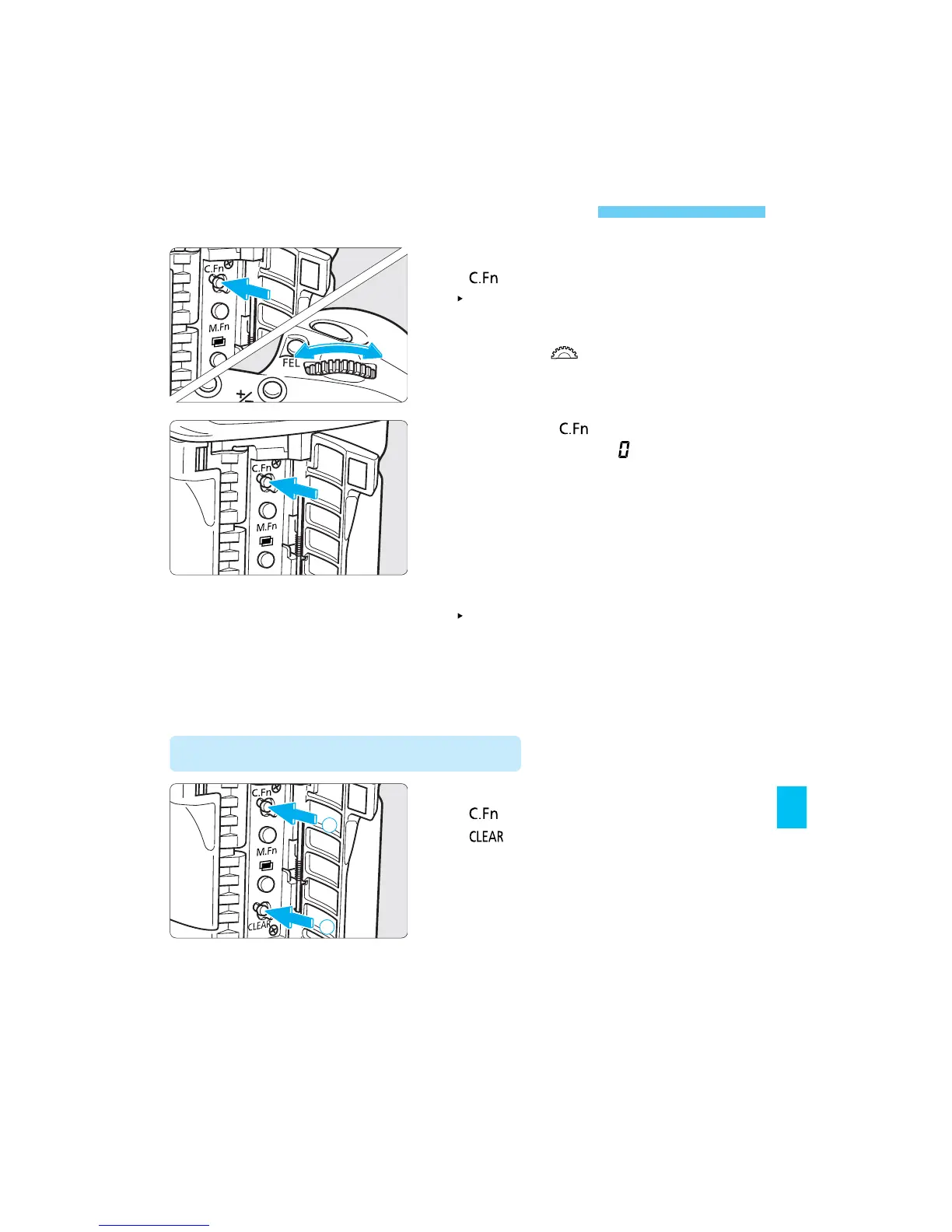
Canceling a Custom Function
2
Turn the < > dial until the
Custom Function No. whose
setting is to be canceled appears.
3
Press the < > button until the
setting returns to .
4
Press the shutter button halfway.
The LCD panel returns to the normal
display and the Custom Function
setting is canceled.
1
Open the side door and press the
<> button.
The Custom Function No. appears on
the LCD panel.
Canceling All Custom Functions
Open the side door and press the
<> button. Then press the
<> button.
• Except for C.Fn-0, all the Custom
Function settings will be reset to 0.
SEC.07 P095-114 (E) 29-01-2003 12:29 Pagina 97



 To Next Page
 Loading...









