103
Connecting to a Detected Network Manually
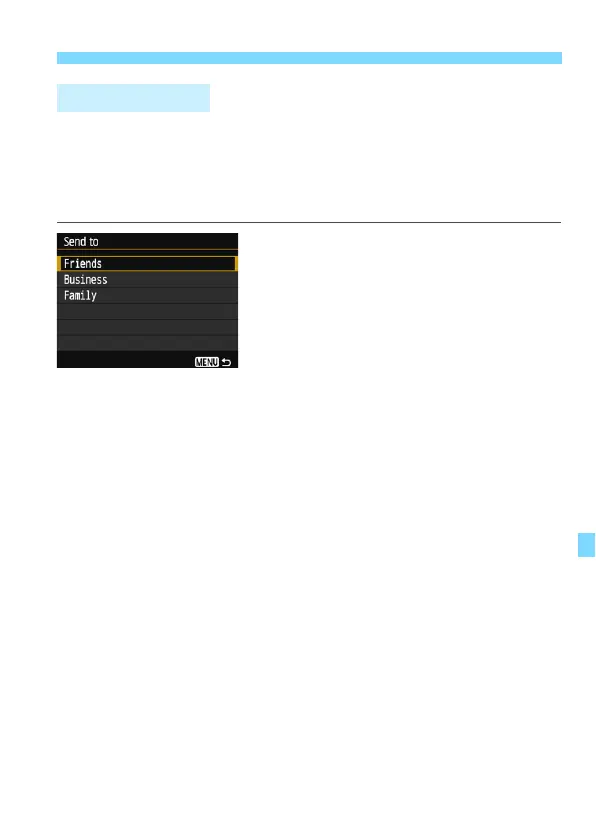
A screen to select a destination may be displayed depending on the
type or settings of the Web service you select.
To register destinations or to specify the settings, you must use a
computer. For more information, refer to the EOS Utility Instruction
Manual.
When [w] (Email) or other service is
selected on the [Upload to Web
service] screen, the [Send to] screen
may be displayed.
Select the destination from the list of
registered destinations and press
<0>.
The procedures for setting up a
connection and sending images are
the same as those for other Web
services.
Send To Screen















 To Next Page