112
Check, change, or delete connection settings saved on the camera.
Terminate the connection, then perform the operation.
1
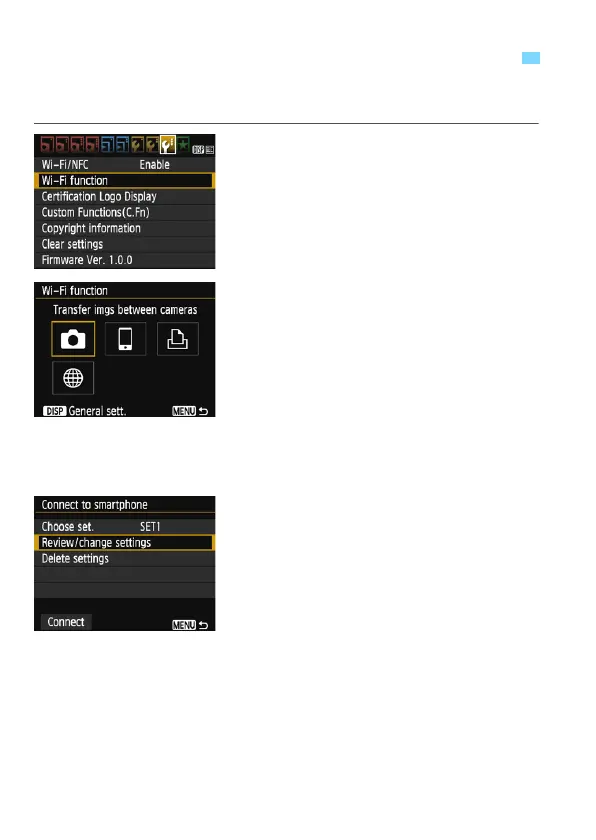
Select [Wi-Fi function].
Under the [53] tab, set [Wi-Fi/NFC]
to [Enable], then select [Wi-Fi
function].
2
Select the item to check settings
for.
Select an item, then press <0>.
When you select an item for which no
setting is saved, the connection
settings screen is displayed.
When you select [m], a screen to
select a Web service is displayed.
The same settings are displayed for
any Web service selected.
3
Select [Review/change settings].
Select the connection destination on
the [Choose set.] screen, select
[Review/change settings], then
press <0>.
Checking, Changing, or Deleting Connection Settings















 To Next Page