EasyManua.ls Logo

Canon EOS 2000D - Wireless Function Operation Flowchart (Easy Connection)

Canon EOS 2000D
144 pages
Print Icon
To Next Page IconTo Next Page
To Previous Page IconTo Previous Page
Loading...
24
To connect to m (Upload to Web service), see “Advanced
Connection” (p.71).
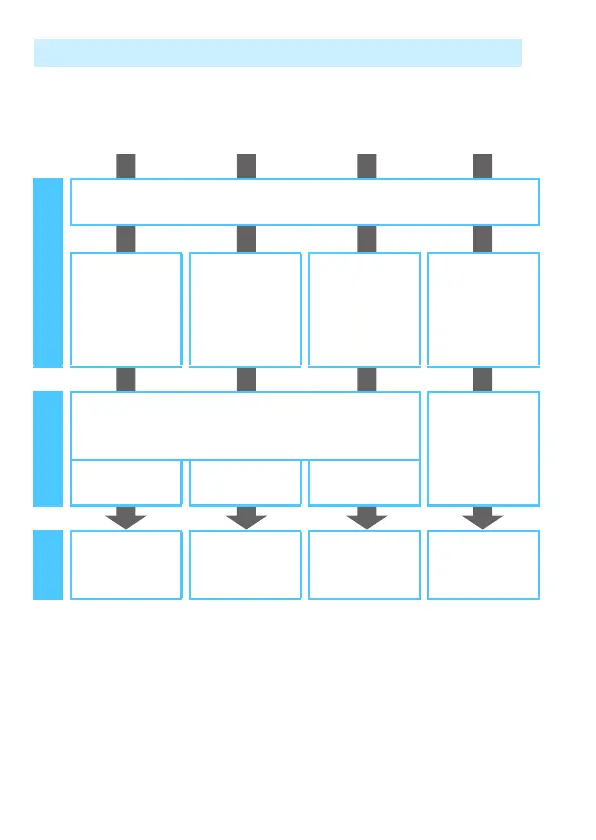
Wireless Function Operation Flowchart (Easy Connection)
q
Smartphone
z
Camera
l
Printer
Connect
Station
Set up
Register the camera’s nickname (p.14)
Install Camera
Connect on a
smartphone
(p.22)
Set up a
compatible
camera (p.47)
Set up a
compatible
printer (p.57)
Set up Connect
Station
Connect
Register connection destinations to the camera
Connect via
NFC (p.68)
(p.27, 30) (p.48) (p.58)
Use
Make images
viewable and
shoot remotely
(p.34)
Exchange
images (p.50)
Print images
(p.61)
Save images
(p.68)

Table of Contents

Related product manuals