118
When a connection error occurs, display the details of the error by
following the procedures below. Then, eliminate the cause of the error
referring to the examples shown in this chapter.
Select [53: Wi-Fi function] 9 [General sett.] 9 [Error details],
then press <0>.
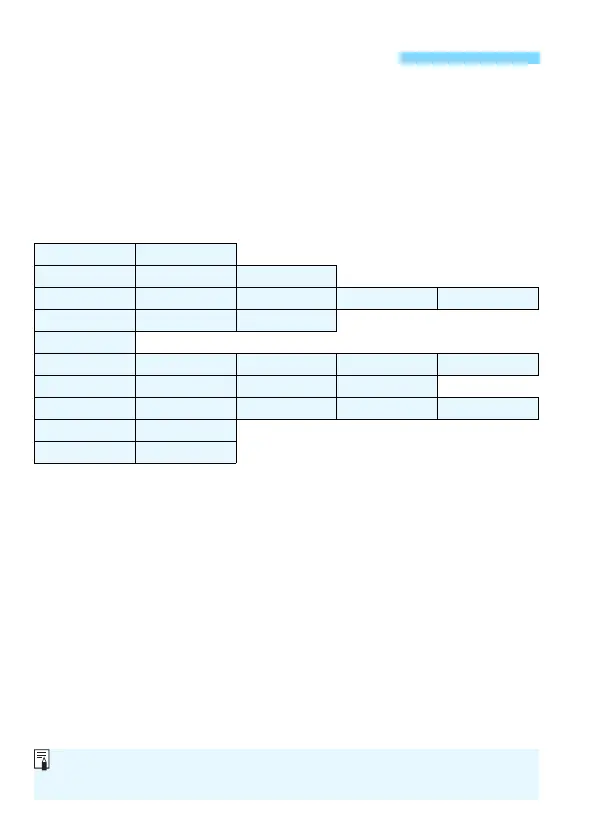
Click the error code number’s page in the following chart to jump to the
corresponding page.
Responding to Error Messages
11 (p.119) 12 (p.119)
21 (p.120) 22 (p.121) 23 (p.122)
61 (p.123) 63 (p.124) 64 (p.124) 65 (p.125) 66 (p.125)
67 (p.125) 68 (p.126) 69 (p.126)
91 (p.126)
101 (p.126) 102 (p.127) 103 (p.127) 104 (p.127) 105 (p.128)
106 (p.128) 107 (p.128) 108 (p.128) 109 (p.128)
121 (p.128) 122 (p.129) 123 (p.129) 124 (p.129) 125 (p.129)
126 (p.129) 127 (p.130)
141 (p.130) 142 (p.130)
When an error occurs, [Err**] is displayed on the upper right of the [Wi-Fi
function] screen. It disappears when the camera’s power is set to <2>.















 To Next Page