2
By connecting to a Wi-Fi
network or other device supporting this
camera’s wireless functions, you can perform tasks such as transferring
images or controlling the camera.
* Use the latest firmware.
Introduction
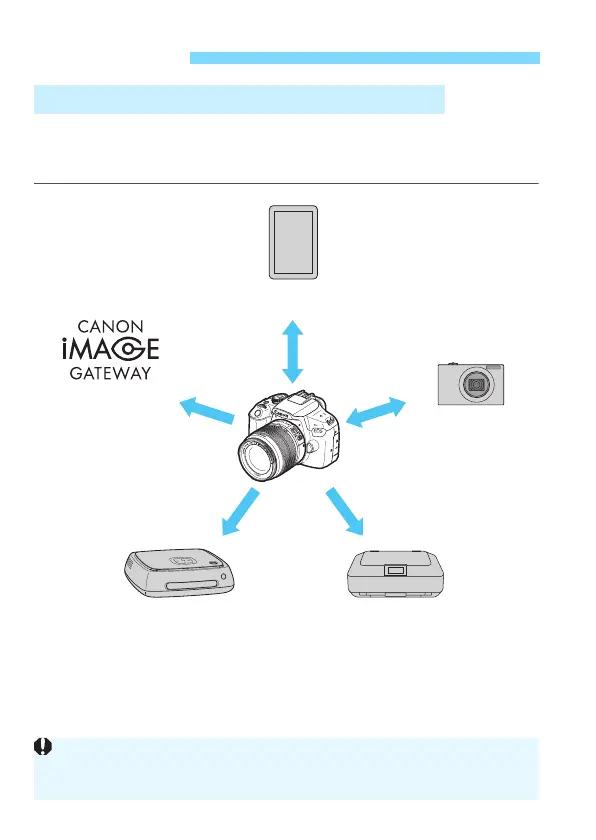
What You Can Do Using the Wireless Functions
(CANON iMAGE
GATEWAY)
(5) Send images to a
Web service
(1) Connect to a smartphone
(3) Print images using
a Wi-Fi printer
(2) Transfer images
between cameras
(4) Save images to
Canon Connect Station*
CANON iMAGE GATEWAY Web services are not supported in certain
countries and areas. For information on supported countries and areas,
refer to the Canon website (www.canon.com/cig).















 To Next Page