34
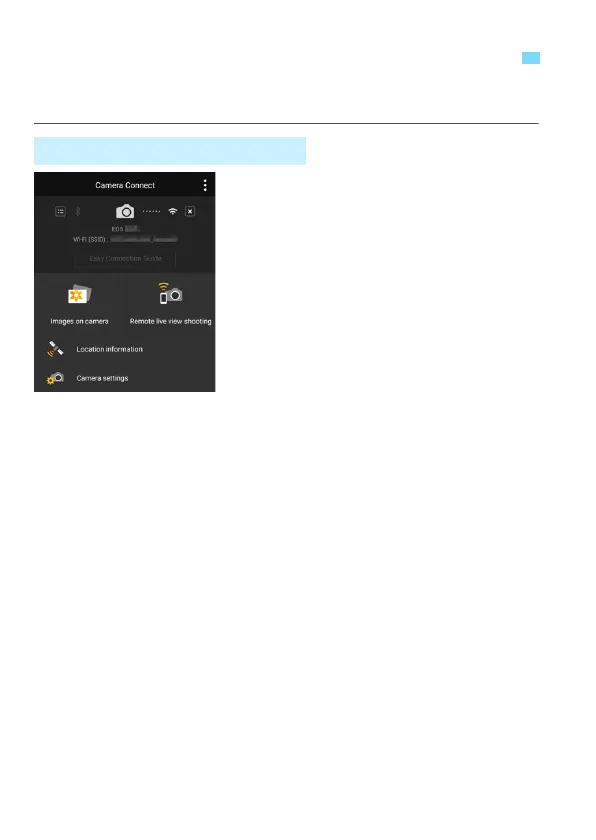
You can use a smartphone with Camera Connect installed to view
images stored in the camera and shoot remotely.
The main functions of Camera Connect
are described below.
[Images on camera]
Images stored in the camera can be
viewed.
Images stored in the camera can be
saved on a smartphone.
Operations such as deletion can be
performed on images stored in the
camera.
[Remote live view shooting]
The camera’s Live View image can
be viewed using a smartphone.
You can shoot using remote
operation.
[Location information]
Not supported on this camera.
[Camera settings]
Camera settings can be changed.
Operating the Camera Using a Smartphone
Camera Connect Main Window















 To Next Page