33
Connecting with Easy Connection
9
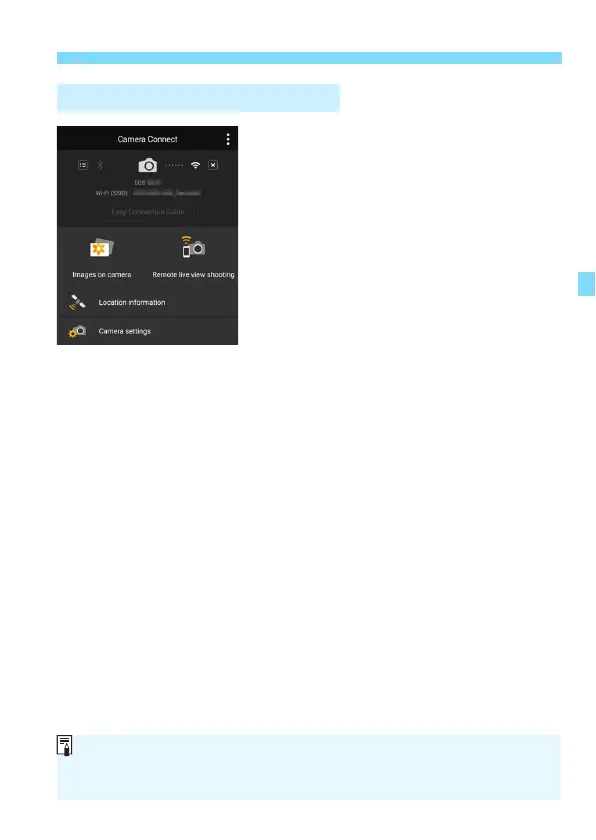
Operate the camera using
Camera Connect.
Perform further operations using
Camera Connect. See page 34.
The settings for connecting to a smartphone are now complete.
Operation on the Smartphone-3
You can check or change the device name on the setting screen of
Camera Connect.
While connected, the camera’s auto power off does not function.















 To Next Page