32
Connecting with Easy Connection
7
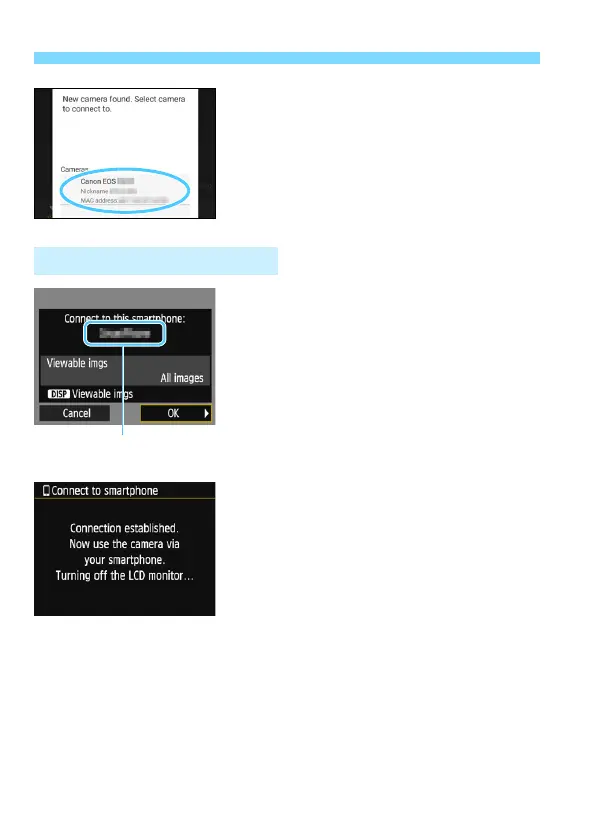
Select the camera to connect to
on the smartphone.
Select and touch the camera to
connect to from [Cameras] on
Camera Connect.
8
Connect to the camera.
When a connection is established,
the screen on the left will appear on
the camera’s LCD monitor.
To specify viewable images, press the
<B> button. See step 5 on page
44 to set them.
Select [OK] and press <0>.
The camera’s <k> lamp will light up
in green.
After a message is displayed, the
camera’s LCD monitor will turn off.
The main window of Camera Connect
will be displayed on the smartphone.
Operation on the Camera-2
The device name set
on Camera Connect















 To Next Page