61
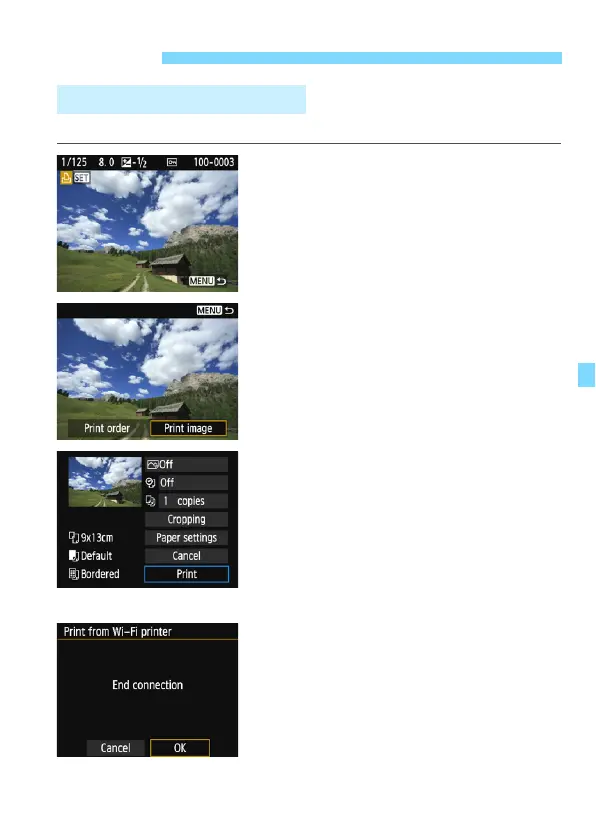
Select and print images individually.
1
Select an image to print.
Press the <Y> <Z> keys to select
an image to print, then press <0>.
By pressing the <Hy> button, you
can switch to the index display and
select an image.
2
Select [Print image].
Select [Print image] and press <0>.
The print setting screen will appear.
3
Print the image.
For the setting procedures, refer to
“Printing Images” in the Camera
Instruction Manual.
When printing is completed, the
screen for step 1 will reappear. To
print another image, repeat steps 1 to
3.
4
Terminate the connection.
Press the <M> button to display
the confirmation dialog. Select [OK],
then press <0> to terminate the
connection.
The [Wi-Fi function] screen will
reappear.
Printing
Printing Images Individually















 To Next Page