60
Connecting with Easy Connection
5
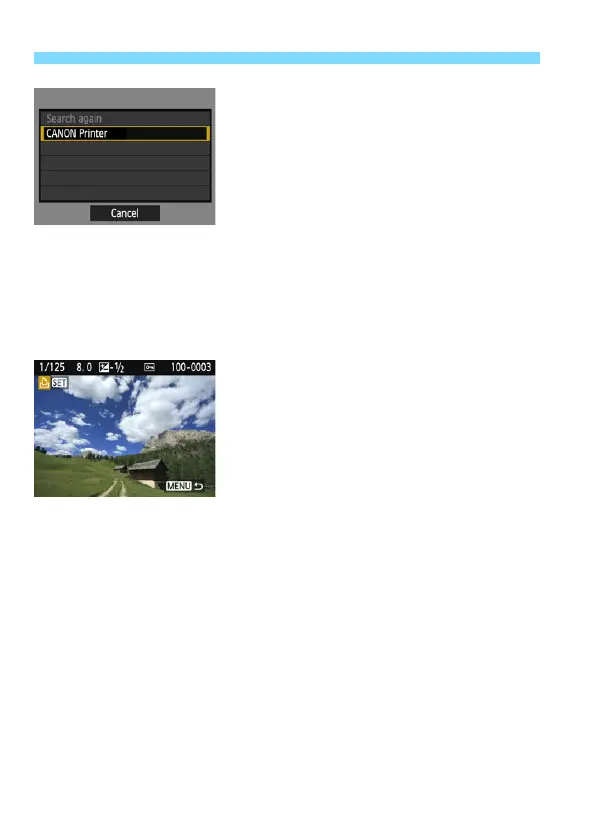
Select the printer to connect to.
When a list of detected printers is
displayed, select the printer to
connect to and press <0>.
Some printers may make a beeping
sound.
If the printer you want to connect to
does not appear, select [Search
again] and it may appear.
When a connection is established, an
image on the card is displayed.
The camera’s <k> lamp will light up
in green.
6
Select the images to be printed.
Select images on the camera for
printing (p.61).
The settings for connecting to a printer are now complete.















 To Next Page