62
Printing
Print by specifying the printing options.
1
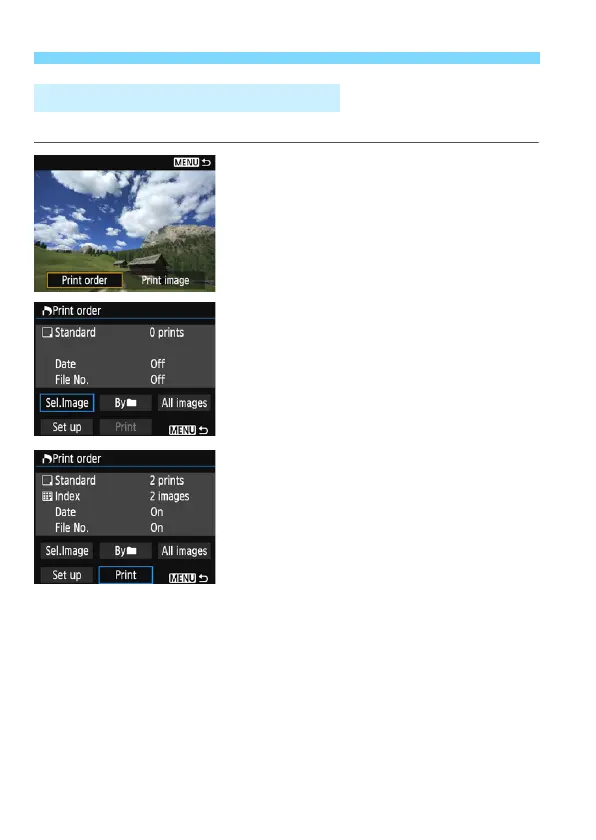
Press <0>.
2
Select [Print order].
Select [Print order] and press <0>.
The [Print order] screen will appear.
3
Set the printing options.
For the setting procedures, refer to
“Printing Images” in the Camera
Instruction Manual.
If the print order has been completed
before connection, proceed to step 4.
4
Select [Print].
[Print] can be selected only when an
image is selected and printer is ready
to print.
Select [Print] and press <0>.
Follow the procedures displayed to
perform printing.
When printing is completed, the
[Print order] screen will reappear.
Printing by Specifying the Options















 To Next Page