105
Sending Images to a Web Service
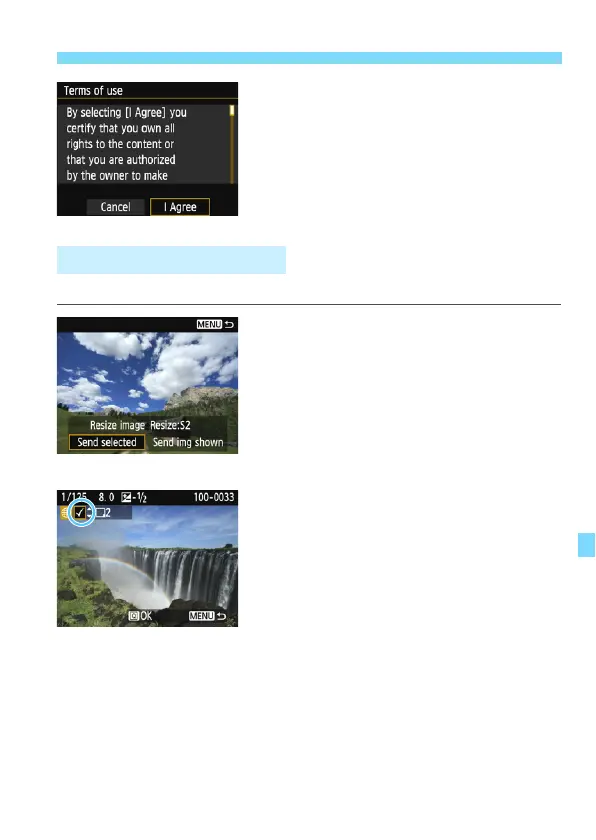
When the [Terms of use] screen is
displayed, thoroughly read the
message, then select [I Agree].
The screen can be scrolled up and
down by pressing the <W> <X>
keys.
Select multiple images and send them at once.
1
Press <0>.
2
Select [Send selected].
To select a size at which to send the
images, select [Resize image] and
press <0>.
Select [Send selected] and press
<0>.
3
Select the images to send.
Press the <Y> <Z> keys to select
the image to send, then press the
<W> <X> keys.
A checkmark [X] will be displayed on
the upper left of the screen.
By pressing the <Hy> button, you
can switch to the three-image display
and select an image.
After selecting the images to send,
press the <Q> button.
Sending Multiple Images















 To Next Page