139
Setting up the IP Address Manually
4
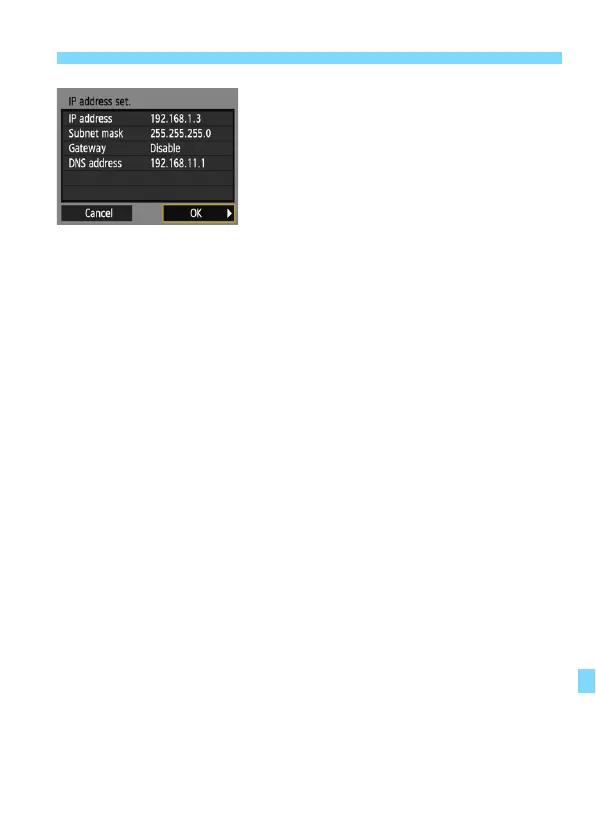
Select [OK].
When you have completed setting the
necessary items, select [OK] and
press <0>.
The setting screen for the Wi-Fi
function will appear.
If you are not sure what to enter, see
“Checking Network Settings” (p.134),
or ask the network administrator or
another person knowledgeable about
the network.















 To Next Page