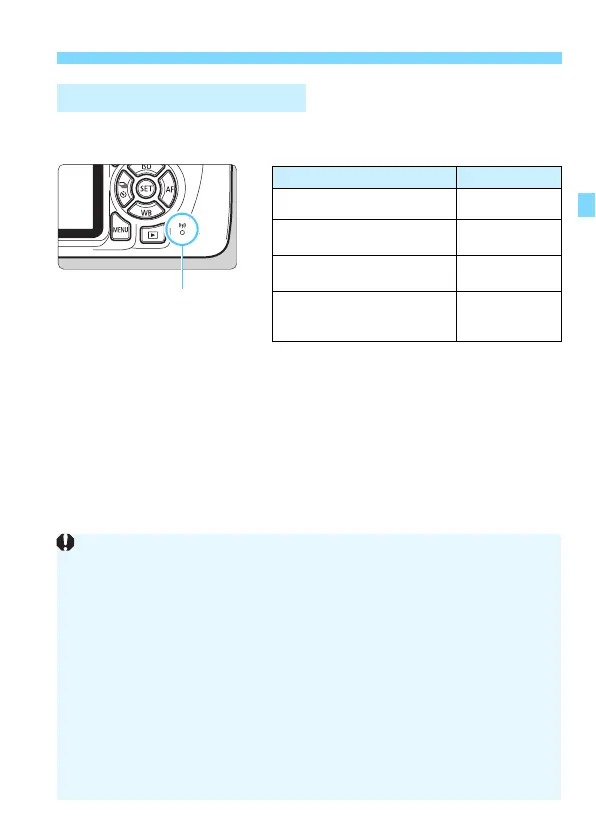
lamp.
Cable Connection Cautions
When [53: Wi-Fi/NFC] is set to [Enable], connection via interface cable
or HDMI cable is disabled. Set [53: Wi-Fi/NFC] to [Disable] before
connecting a cable.
When the camera is connected to Connect Station, a computer, printer,
GPS receiver, TV set, or any other device via a cable, settings for [Wi-Fi/
NFC] cannot be changed. Disconnect the cable before changing any
settings.
Cards
If there is no card in the camera, it cannot be connected wirelessly.
Additionally, for [l] and [m], the camera cannot be connected
wirelessly if there are no images saved on the card.
Using an Eye-Fi Card
When [53: Wi-Fi/NFC] is set to [Enable], image transfer using an Eye-Fi
card is disabled.















 To Next Page