39
Easy Image Transfer Using the NFC Function
4
Select the images to send.
Select and send image(s).
When the index display is selected in
step 2, the multiple image selection
screen will appear. See step 3 on
page 40.
Select and send images individually.
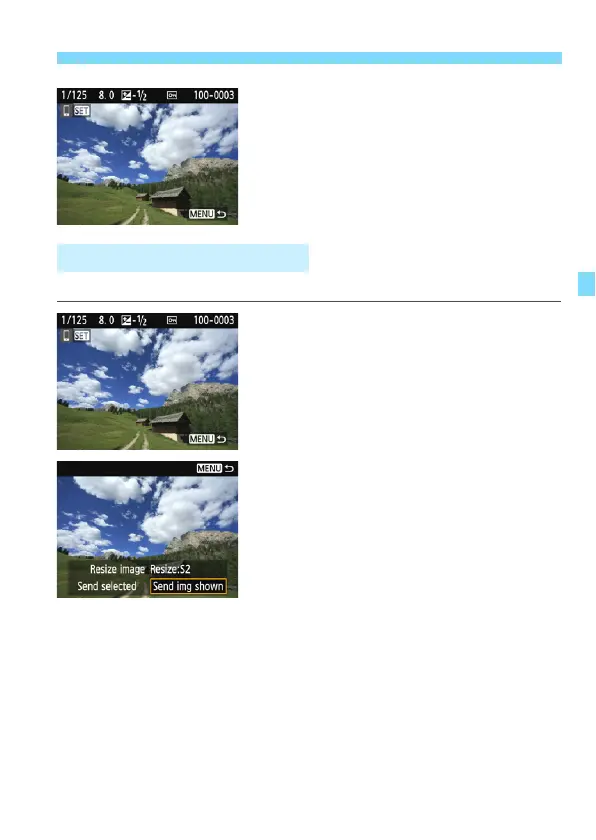
1
Select an image to send.
Press the <Y> <Z> keys to select
an image to send, then press <0>.
By pressing the <Hy> button, you
can switch to the index display and
select an image.
2
Select [Send img shown].
To select a size at which to send the
image, select [Resize image] and
press <0>.
Select [Send img shown] and press
<0> to send the image displayed.
When the transfer is complete, the
screen for step 1 will reappear.
To send another image, repeat steps
1 and 2.
Sending Images Individually















 To Next Page