45
Specifying Viewable Images
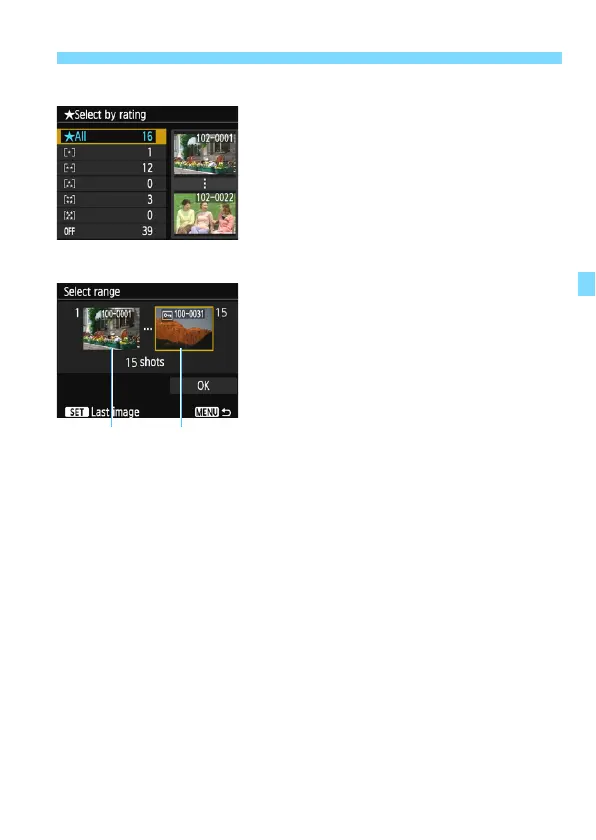
[Select by rating]
Specify viewable images depending on
whether a rating is appended (or not
appended) or by the type of rating.
Select a rating, then press <0> to
specify the viewable images.
[File number range] (Select range)
Select the first and last images from
images arranged by the file number to
specify the viewable images.
1 Press the <Y> <Z> keys to select
the first image to be set viewable.
2Press <0> to display the image
selection screen.
Select an image using the <Y> <Z>
keys.
By pressing the <Hy> button, you
can switch to the index display and
select an image.
3 Select an image and press <0> to
set it.
4 Use the same operation to specify the
last image file to be set as viewable.
Select an image shot later than the
image selected as the first image.
5 When the first and last images are
specified, select [OK], then press
<0>.















 To Next Page