88
Connecting to a Detected Network Manually
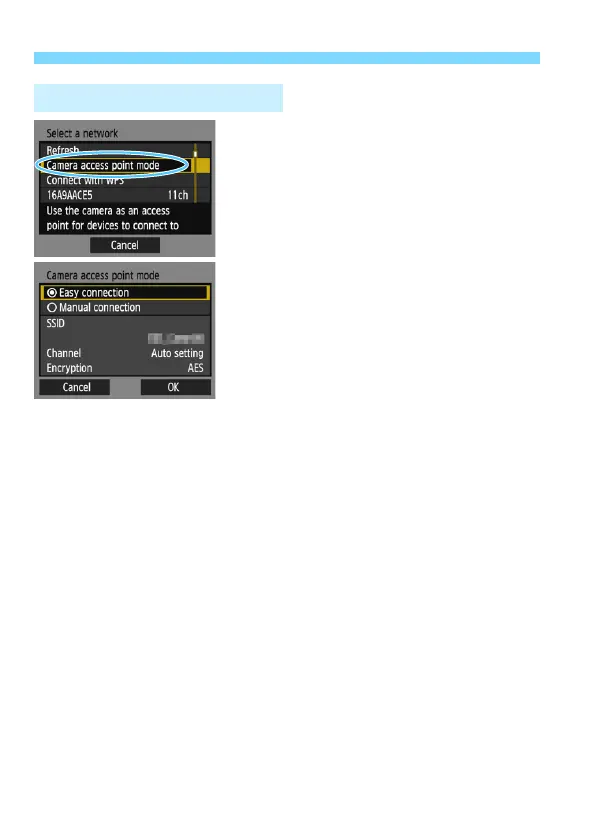
Camera access point mode is a
connection mode for connecting the
camera directly to each device.
Displayed when [q] or [l] is selected in
[Wi-Fi function].
In camera access point mode, the
following two connection methods are
available.
[Easy connection]: See page 30 or
58 to establish a connection.
[Manual connection]: See page 136
to establish a connection.
Camera Access Point Mode















 To Next Page