39
If you turn on the power and the date/time/zone setting screen
appears, see page 41 to set the date/time/zone.
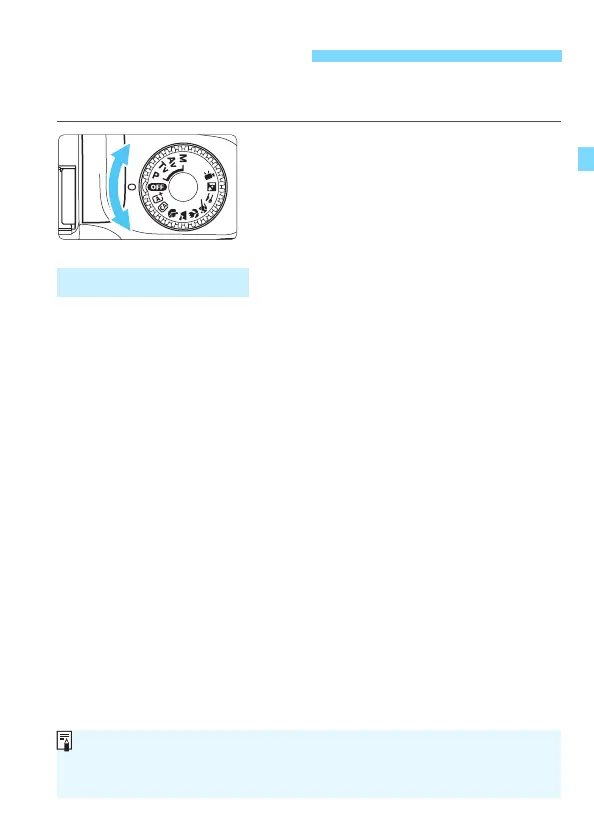
Turning on the power
Set the Mode Dial to any mode other
than <d>.
Turning off the power
Set the Mode Dial to <d>.
To save battery power, the camera turns off automatically after
approx. 30 seconds of non-operation. To turn on the camera again,
just press the shutter button halfway (p.47).
You can change the auto power off time with [51: Auto power off]
(p.183).
Turning on the Power
3 Auto Power Off
If you turn off the power while an image is being recorded to the card,
[Recording...] will be displayed and the power will turn off after the
recording finishes.













 To Next Page