58
<A> is a fully automatic mode. The camera analyzes the scene
and sets the optimum settings automatically. It also adjusts focus
automatically by detecting whether the subject is still or moving (p.61).
1
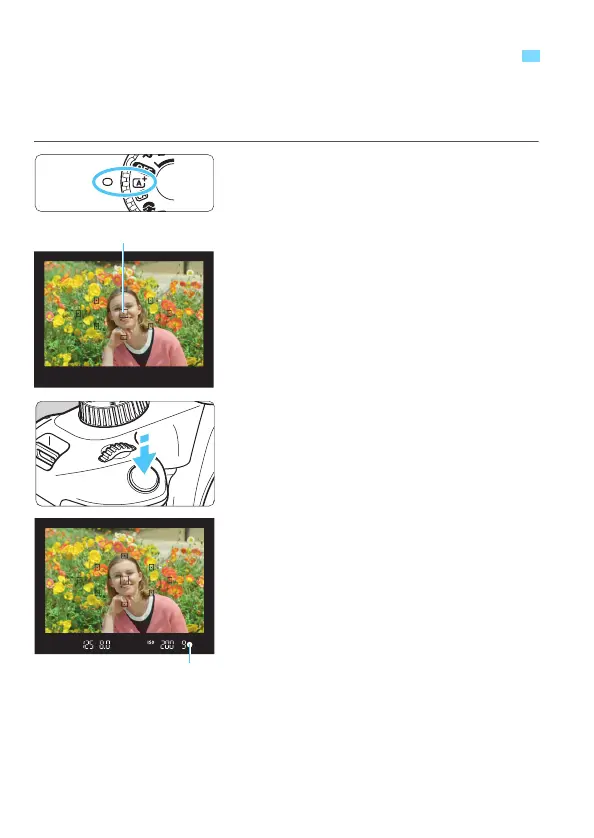
Set the Mode Dial to <A>.
2
Aim any AF point over the
subject.
All the AF points will be used to focus,
and the camera will normally focus on
the closest object.
Aiming the center AF point over the
subject will make focusing easier.
3
Focus on the subject.
Press the shutter button halfway. The
lens focusing ring will rotate to focus.
The dot inside the AF point achieving
focus flashes briefly in red. At the
same time, the beeper will sound and
the focus indicator <o> in the
viewfinder will light up.
If the <I> icon blinks in the
viewfinder, raise the built-in flash with
your fingers.
A
Fully Automatic Shooting (Scene Intelligent Auto)













 To Next Page