228
You can either select and erase unnecessary images one by one or
erase them in one batch. Protected images (p.226) will not be erased.
1
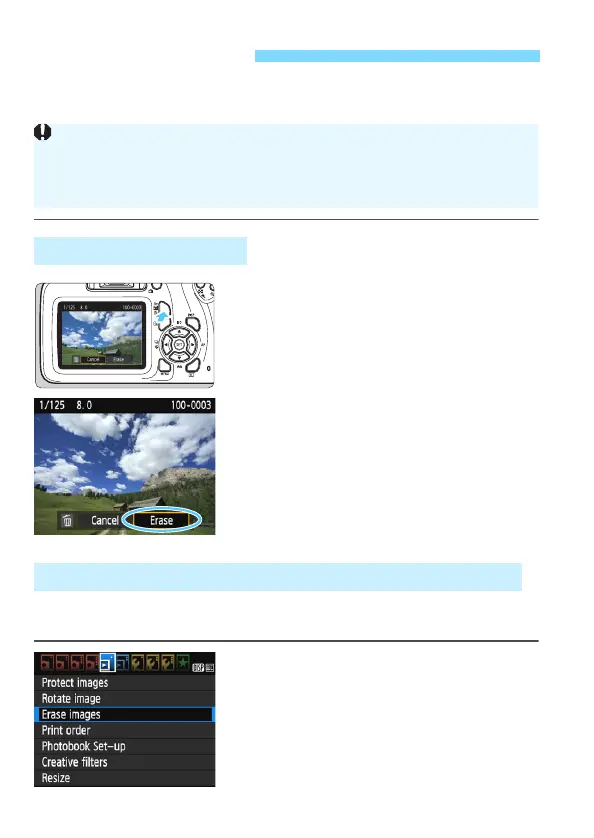
Play back the image to be erased.
2
Press the <L> button.
The Erase menu will appear.
3
Erase the image.
Select [Erase], then press <0>. The
image displayed will be erased.
By adding checkmarks [X] to the images to be erased, you can erase
multiple images at once.
1
Select [Erase images].
Under the [x1] tab, select [Erase
images], then press <0>.
L Erasing Images
Erasing a Single Image
Once an image is erased, it cannot be recovered. Make sure you no
longer need the image before erasing it. To prevent important images
from being erased accidentally, protect them. Erasing a 1+73
image will erase both the RAW and JPEG images.
3 Checkmarking [X] Images to Be Erased in a Batch













 To Next Page