63
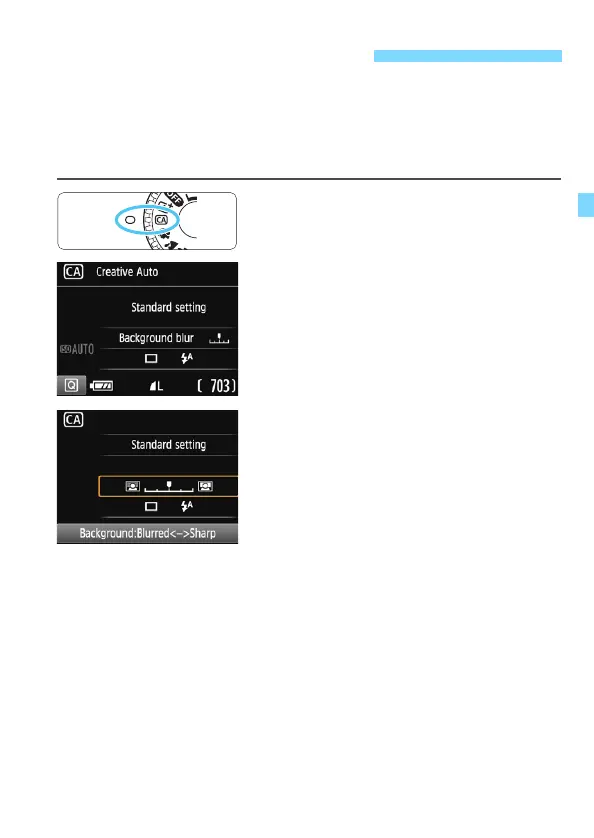
In the <C> mode, you can easily change the depth of field, drive/self-
timer, and flash firing. You can also select and shoot with the ambience
you want to convey in your images. The default settings are the same
as the <A> mode.
* CA stands for Creative Auto.
1
Set the Mode Dial to <C>.
2
Press the <Q> button (7).
The Quick Control screen will appear.
3
Set the desired function.
Press the <S> cross keys to select a
function.
The settings of the selected function
and Feature guide (p.55) will appear.
For the setting procedure and details
on each function, see pages 64-65.
4
Take the picture.
Press the shutter button completely to
take the picture.
C Creative Auto Shooting













 To Next Page