46
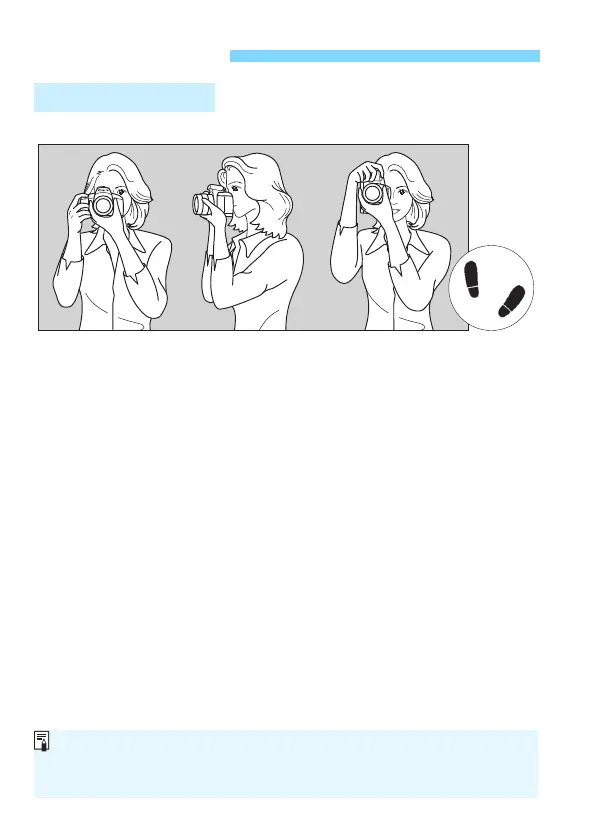
To obtain sharp images, hold the camera still to minimize camera shake.
1. Wrap your right hand around the camera grip firmly.
2. Hold the lens bottom with your left hand.
3. Rest your hand’s right index finger lightly on the shutter button.
4. Press your arms and elbows lightly against the front of your body.
5.
To maintain a stable stance, place one foot slightly ahead of the other.
6. Press the camera against your face and look through the viewfinder.
Basic Operation
Holding the Camera
Vertical shooting
Horizontal shooting
If the viewfinder image does not look sharp, using E-series Dioptric
Adjustment Lenses (sold separately) is recommended (p.274).
To shoot while looking at the LCD monitor, see page 137.













 To Next Page